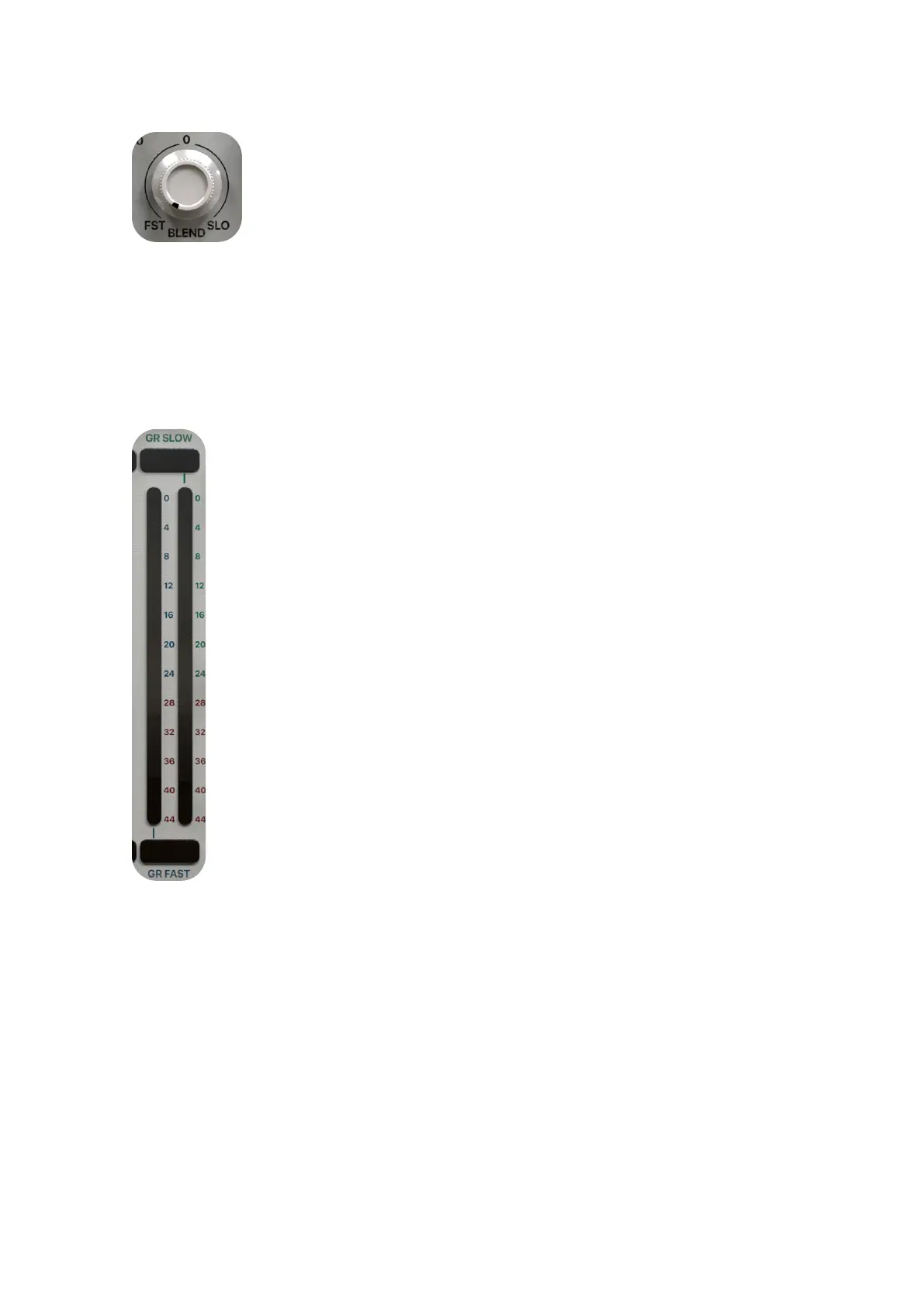
BLEND.
The BLEND knob allows for blending a desired amount of dry signal in with the proces-
sed wet signal.
GAIN REDUCTION METERS (FAST – SLOW).
Press this button to activate the sidechain EQ function. The sidechain functions are con-
venient in many applications, for example, it is possible to separate certain vocals and
instruments from a mix using frequency-weighted compression thanks to the included
3-band EQ (plus HP - LP cut filters) in the sidechain path.


 To Next Page