Do you need additional assistance with your product? Contact
us at service@adamsonglobal.com. Our team of specialists is
at your disposal and will always reply within 24 hours!
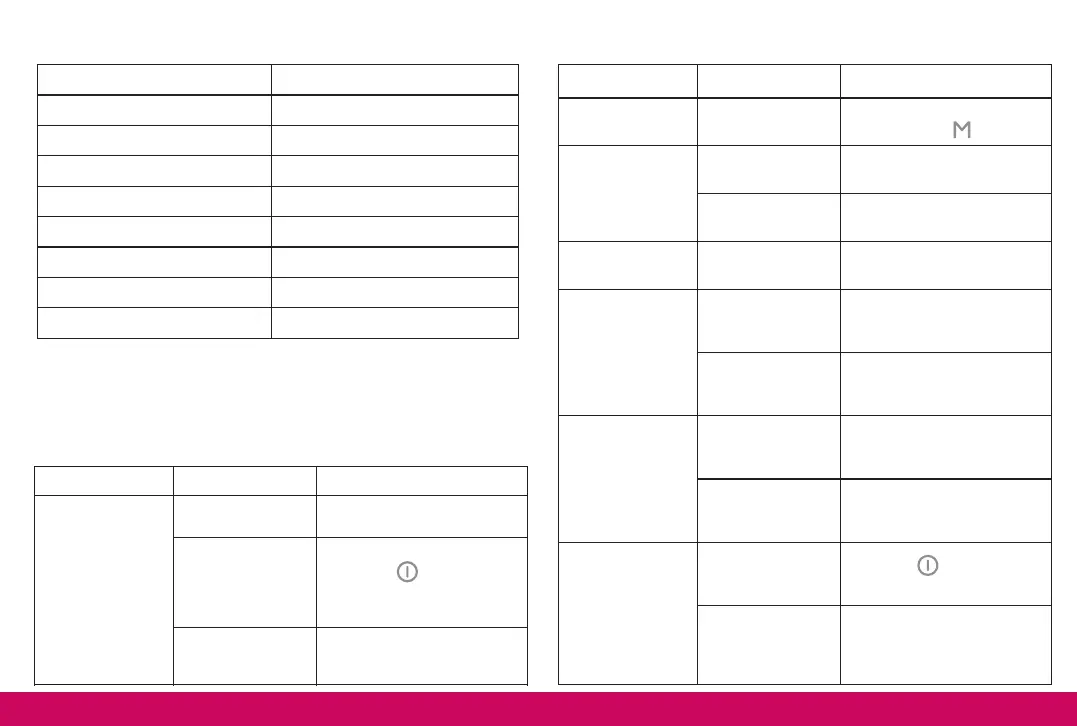
The product does
not start
Fully charge the battery.
Releasing the
POWER button
too soon
Keep the button
pressed for 3 seconds.
Product/battery
malfunction
Contact our support team.
TECHNICAL SPECIFICATIONS
CONTACT & TROUBLESHOOTING
5
Set the correct air pressure
level using the button.
Select the correct massage
type (Cold or Automatic)
Turn off the product for 30
minutes before next use.
Select the correct massage
type (Warm or Automatic)
The battery is not
charging
Verify that both ends of the
cable are properly
connected.
Use another compatible
charging cable or contact
our support team.
Bluetooth mode
does not work
Select “Adamson A80” in
the list of available
Bluetooth devices.
Device too far
from the eye
massager
Keep both devices close to
each other.
Press the button twice to
activate the music.
Volume is too low
on Bluetooth
device
Check the volume level of
your connected Bluetooth
device.


 To Next Page