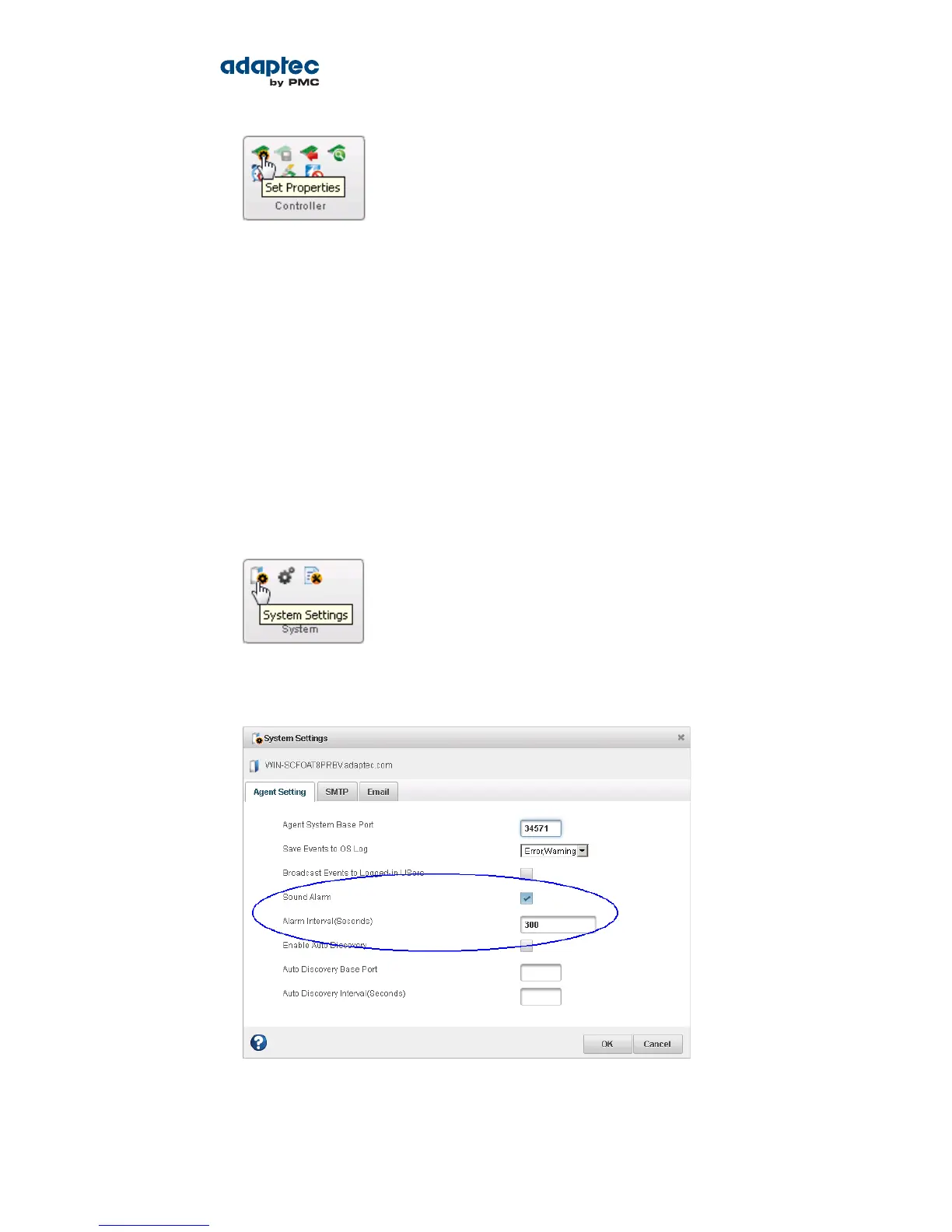
The Set Properties window opens.
3. On the General Settings tab, in the NCQ drop-down list, select Enabled or Disabled.
4. Click Apply.
Working with System Alarms
Warning- or Error-level events on a system trigger an audible alarm, a series of beeps which sound every
ve minutes (or 300 seconds) until the event is resolved.
The alarm is enabled by default, but can be disabled on any system, if required. You can also change
the frequency and duration of the alarm.
Note: A system alarm is not the same as a controller alarm. For controller alarm
information, see Working with Controllers on page 81.
To change alarm settings on a system:
1. In the Enterprise View, select a system.
2. On the ribbon, in the System group, click System Settings.
The maxView Storage Manager Agent Settings window opens. The alarm settings are circled in the
next gure.
3. Edit the alarm settings, as needed.
You can disable the system alarm by deselecting Sound Alarm.
83Proprietary and Condential to PMC-Sierra, Inc.
Document No.: CDP-00278-02-A Rev. A, Issue:
maxView Storage Manager User's Guide



 To Next Page