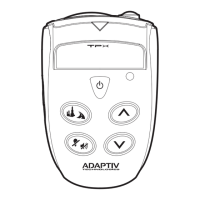
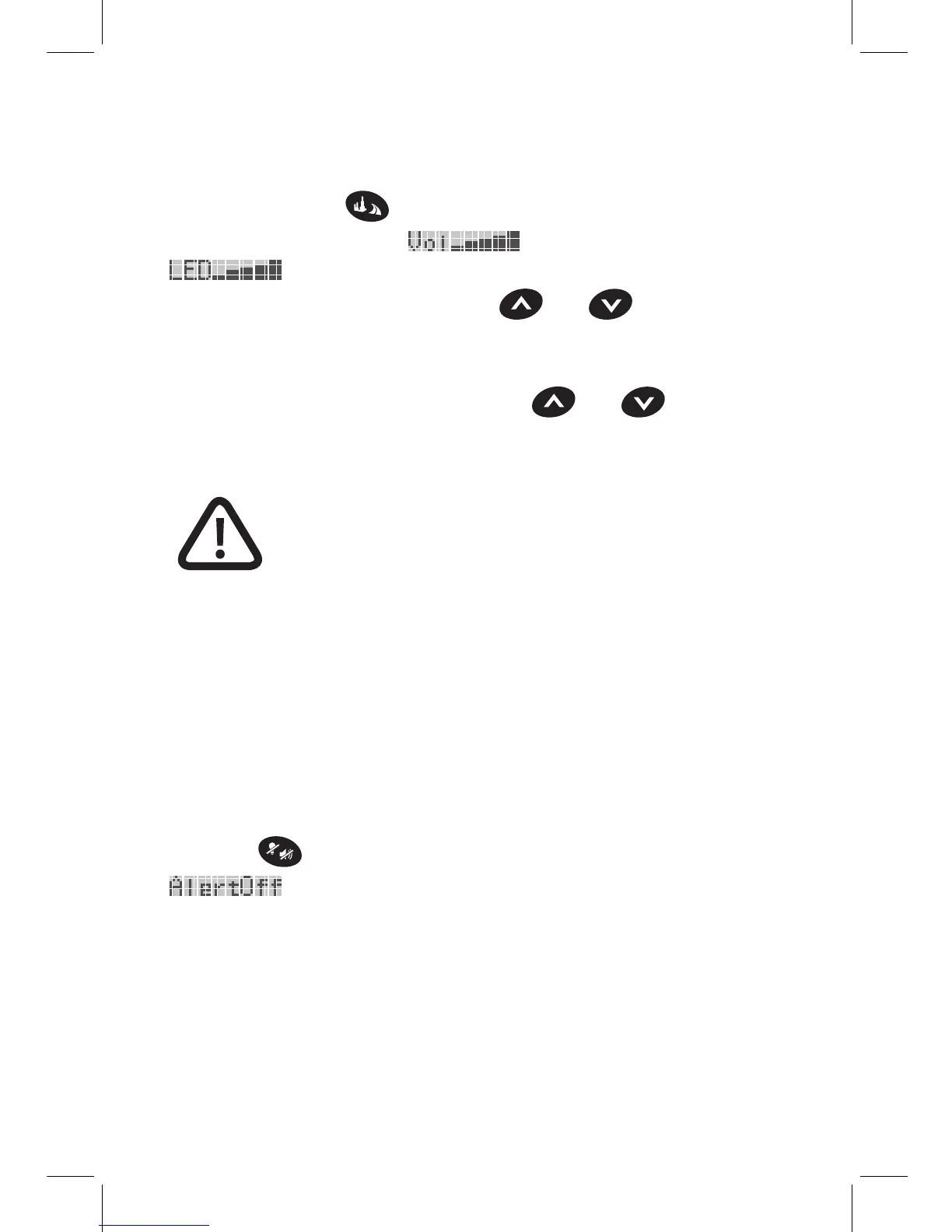
Volume and Brightness Control
Press and hold the
button for two or more seconds to toggle
between Volume Control (
) and Brightness Control
(
) Modes.
When in Volume Control Mode, the
and buttons control
the volume on the Main Console as well as the
optional Wireless Headset.
When in Brightness Control Mode, the
and buttons
control the brightness of the flashing LEDs on the optional Visual
Alert.
Warning: The flashing LEDs in the Visual Alert
can be extremely bright, especially at night
time. It can be distracting and dangerous if
you are not familiar with the brightness level.
Before riding with the Visual Alert, especially
at night, take the time to familiarize yourself
with the system in a safe, controlled setting.
The Main Console, the optional Wireless Headset, and the
optional Visual Alert will retain the last volume and brightness
settings each time the power is reset.
Alert Off
Press the
button to temporarily disable all alerts
(
).
When activated, the volume on the Main Console and the
optional Wireless Headset will be muted, and the LEDs of the
optional Visual Alert will not flash. The alerts will be turned off
for the remainder of the existing detected signal and for any
new signal received within 20 seconds of the button press. The
System will automatically turn the alerts back on after this period.
10 11


 To Next Page
 Loading...