EasyManua.ls Logo

Adastra AD-400 - User Manual

Adastra AD-400
8 pages
Print Icon
To Next Page IconTo Next Page
Loading...
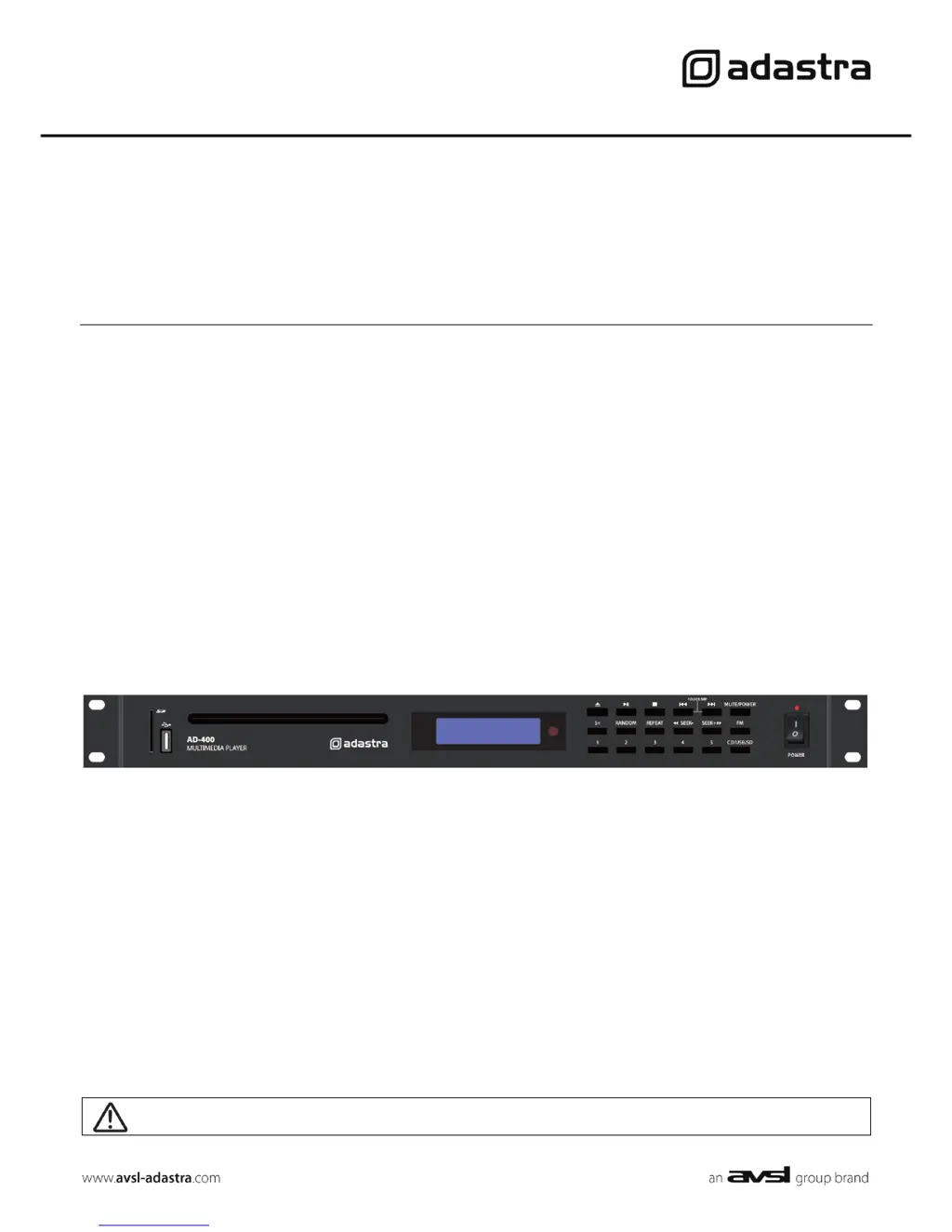
AD-400
CD Player with USB/SD and FM Tuner
Item ref: 952.982UK
User Manual
Caution: Please read this manual carefully before operating
Damage caused by misuse is not covered by the warranty

Questions and Answers

  • R
    riddlejimmyAug 8, 2025
    How to fix Adastra AD-400 when no power LED or display lit?
    • Q
      qochoaAug 8, 2025
      If the Adastra CD Player does not have a power LED or the display lit, first, ensure the mains lead is correctly connected and the mains are switched on. Then, check the fuse in the mains lead and in the IEC inlet, remembering to disconnect the mains lead before checking. Finally, verify that the power switch is turned on.
  • R
    reginameyersAug 13, 2025
    What to do if my Adastra AD-400 has no CD playback?
    • R
      Rachel JamesAug 13, 2025
      If your Adastra CD Player isn't playing CDs, make sure the CD is inserted correctly with the label facing up. If you're unsure, eject and re-insert the CD. Also, ensure that the USB, SD, or FM source is not selected by pressing the CD/USB/SD button. Note that the AD-400 will not play DVD discs, and mini CDs are not suitable for this player. Verify that the disc contains CD audio or standard compressed digital audio files. Finally, if the display shows a CD track as playing, check that MUTE is not activated.
  • J
    Joseph TurnerAug 18, 2025
    Why is there no FM radio reception on my Adastra AD-400?
    • A
      Andre LeeAug 18, 2025
      If there is no FM radio reception on your Adastra CD Player, ensure that an FM aerial is connected to the rear antenna connector. Check that a valid station is selected by pressing the ‘Previous’ or ‘Next’ button to select a channel. If channels are not tuning in correctly, press ‘Preset’ on the remote to auto-tune. Finally, check that MUTE is not activated.
  • J
    Jason LyonsAug 23, 2025
    What to do if Adastra CD Player has no USB playback?
    • K
      kimberlyreidAug 23, 2025
      If your Adastra CD Player is not playing from a USB device, first, check that the USB device is properly connected. Ensure that the files on the USB device are standard compressed digital audio. The AD-400 is compatible with USB devices formatted to the FAT32 file system. Also, check that CD, SD, or FM source are not selected by pressing the CD/USB/SD button. Finally, if the display shows a USB track as playing, check that MUTE is not activated.
  • M
    Michael BlakeAug 28, 2025
    What to do if my Adastra AD-400 has no SD card playback?
    • A
      Alex JohnsonAug 28, 2025
      If your Adastra CD Player is not playing from an SD card, first, check that the SD card is inserted properly. Ensure that the files on the SD card are standard compressed digital audio. The AD-400 is compatible with SD cards formatted to the FAT32 file system. Also, check that CD, USB, or FM source are not selected by pressing the CD/USB/SD button. Finally, if the display shows a SD card track as playing, check that MUTE is not activated.
  • I
    idouglasSep 3, 2025
    How to exit standby mode on Adastra AD-400?
    • S
      Sarah TurnerSep 3, 2025
      If the power LED is flashing and there is no display on your Adastra CD Player, press and hold the MUTE/POWER button for 3 seconds to exit standby mode.

Summary

Introduction and Safety Information

Safety Symbol and Message Conventions

Explains symbols and conventions used for safety messages in the manual.

Safety Notices and Warnings

Provides essential safety precautions, warnings, and operational guidelines.

Placement and Cleaning Guidelines

Instructions for unit placement and maintenance, including cleaning methods.

Unit Overview and Connections

Front Panel Controls

Lists and describes the numbered controls on the unit's front panel.

Rear Panel Connections

Identifies and explains the numbered connectors on the unit's rear panel.

Connecting Audio and Power

Provides instructions for connecting the power supply and audio outputs.

CD Playback Operations

Basic Playback Controls

Covers loading, playing, pausing, stopping, and ejecting CDs.

Advanced Playback Features

Explains track selection, fast forward/reverse, mute, random, and repeat modes.

Media Playback and FM Tuning

Playing Audio from USB;SD

Instructions for inserting media, selecting the source, and initiating playback.

Tuning and Navigating FM Channels

How to select, tune manually, and auto-seek FM stations.

Saving FM Presets

Process for storing desired FM frequencies into memory slots.

Remote Control Usage

Using the Remote Control

Instructions for installing batteries, aiming, and basic operation of the remote.

Remote Control Functions

Details specific buttons like media select, numerical input, and FM auto-tune.

Troubleshooting and Specifications

Troubleshooting Common Issues

Solutions for power, display, playback, and FM reception problems.

Product Specifications

Lists key technical data such as power supply, frequency response, and dimensions.

Adastra AD-400 Specifications

General IconGeneral
Frequency response20Hz - 20kHz
THD<0.05%
Signal to noise ratio>90dB
Output2V RMS
Disc compatibilityCD, CD-R, CD-RW
OutputsCoaxial