and every c ir c u it board, sub-assem bly, as w ell as the fin ish ed a m p lifier, provide
a so n ica lly and m echanically superior product fox your enjoyment.
SECTION 6
THE CARE AMD FEEDING OF YOUR GFA-555
Great care has been taken by ADCOM to assure th a t your am plifier Is as
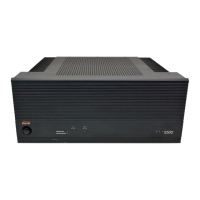
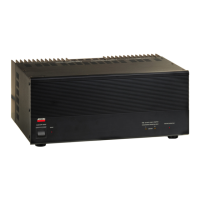
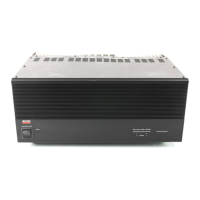
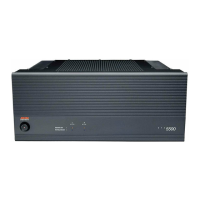
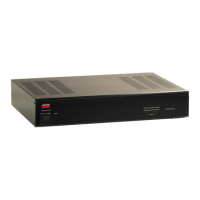
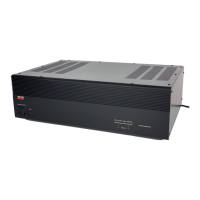
fla w le ss In appearance as I t is e le c tr o n ic a lly . The fron t panel i s high-grade
anodized aluniinum, chosen for i t s d u ra b ility and beauty. I f the front panel should
become fingerprinted or smeared, i t can be cleaned with a damp, so ft clo th .
UNDER NO CIRCUMSTANCES SHOULD A STRONG OR ABRASIVE CLEANER SUCH AS SCOURING
POWDER OR OVEN CLEANER BE USED ON ANY PART OF THE AMPLIFIER.
The am p lifier 1b protected by a lin e fu se on the rear panel, tf power Is
switched on and the sm all red LED on the front panel does not illu m in a te a fte r a
few Beconds, shut o ff the a m p lifier, unplug the AC lin e cord from the power o u tle t,
and check the AC lin e fu3e. If the fu se has opened, rep lace I t QNL’f with a fuse of
equal value.
REPLACEMENT WITH AN INCORRECT FUSE OR ONE OF A HIGHER CURRENT RATING WILL
NOT PROTECT THE AMPLIFIER AND WILL VOID THE WARRANTY.
If after replacing the fu se, i t blows irnmedlately, an e le c tro n ic component
fa ilu re must be suspected* No fu rther attem pts to replace the fuse should b£ made.
SECTION 7
IF YOU HAVE A PROBLEM OR QUESTION
ADCOM has a Technical S ervice Department to answer a ll questions pertinent
to the in sta lla tio n and operation of your u n it, F lease fe e l free to w rite or c a ll
ub in the event of any d iffic u lty * and we sh a ll endeavor to offer prompt advice.



 To Next Page