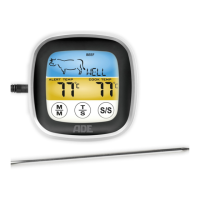
BBQ 1408 Wireless Roasting Thermometer
44
Other functions
Illuminating the display
− Press any button to illuminate the display
for approx. 30 seconds.
Change temperature measuring unit
1. Open the battery compartment of the
roasting thermometer.
Below the batteries is a small round
switch (°C/°F).
2. Using the tip of a ballpoint pen or similar
object, press on the switch to toggle
between degrees Celsius (°C) and degrees
Fahrenheit (°F).
3. Close the battery compartment again.
Cleaning
RISK of injuries
− Be careful when handling the thermometer.
The sensor tip presents a risk of injury.



 To Next Page