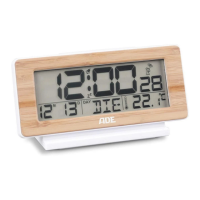
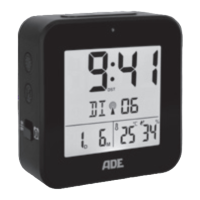
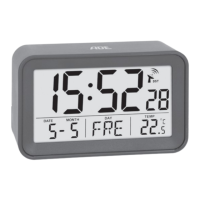
54
Switching the alarm function on/off
− Press ALARM 1x to switch o the alarm
function,
goes out. Pressing ALARM again
reactivates the alarm function.
Other functions
Illuminating the display
− Press the SNOOZE/LIGHT button to turn on
the display light for approx. 5 seconds.
Change temperature unit
− Press the button to display the
temperature in °Celsius or °Fahrenheit.
Changing the time display (12/24-hour)
− Press the button to display the time in
12-hour (AM/PM) or 24-hour format.


 To Next Page