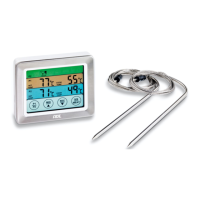
Time (after manual setting)
Setting the time
1. Press SET until the hour indicator flashes.
2. Use UP or DOWN to set the hour.
3. Press SET 1x.
4. Use UP or DOWN to set the minute.
5. Press SET to exit.
Setting up the device
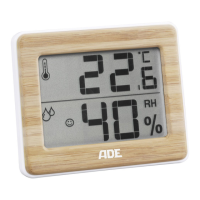
The device has a base and a hanging loop for
wall mounting.
Change temperature unit
− Press the DOWN button 1x to display the
temperature in °Celsius or °Fahrenheit.
Changing the time display (12-/24-hour)
− Press the UP button 1x to display the time in
12-hour (AM/PM) or 24-hour format.
Druckbuch Hygrometer WS 1706_1707.indb 34 15.05.2017 14:48:56



 To Next Page