3
for the walk test procedure – when the PIR
senses movement, a "beep" will be heard from
the system's console, and verify that the PIR's
transmitter signal has reached the QED
control's wireless receiver.
The absolute range of all PIR units is subject to
variation because of different types of clothing,
backgrounds and ambient temperature. For this
reason, ensure that the most likely intruder
routes are well within the PIR's protective zones
and that walk-testing is carried out along these
routes.
Walk-Test
1. Remove front cover and set the Pulse
Count jumper in the detector in the OFF
position initially. The LED must be enabled
at this time (jumper in the TEST position).
2. Replace front cover and walk through
protective zones, observing that the
detector's LED lights whenever motion is
detected (the LED serves as a Walk-Test
indicator during this procedure).
3. If pulse count is going to be used in this
installation, set the pulse count jumper to
the ON setting and repeat the walk test
procedure.
Note:
If pulse count mode is used during
the walk test, the LED will stay lit for
approximately 1 to 3 seconds after detecting
motion.
4. After the "Walk-Test" is completed, the
LED jumper should be placed in the
NORMAL position (LED disabled).
MAINTAINING PROPER OPERATION:
In order to maintain the detector in proper
working condition, it is important that the the
user observes the following:
1. Replace both batteries within 7 days after a
"low battery" message has appeared in the
system's display.
2. Detectors should never be re-aimed or
relocated without the advice or assistance
of the alarm service company.
3. The physical surroundings of the protected
area should not be changed. If furniture or
stock is moved, or air-conditioning or
additional heating is installed, the PIR may
have to be readjusted.
4. Walk-tests should be conducted frequently
(at least weekly) to confirm continued
proper coverage.
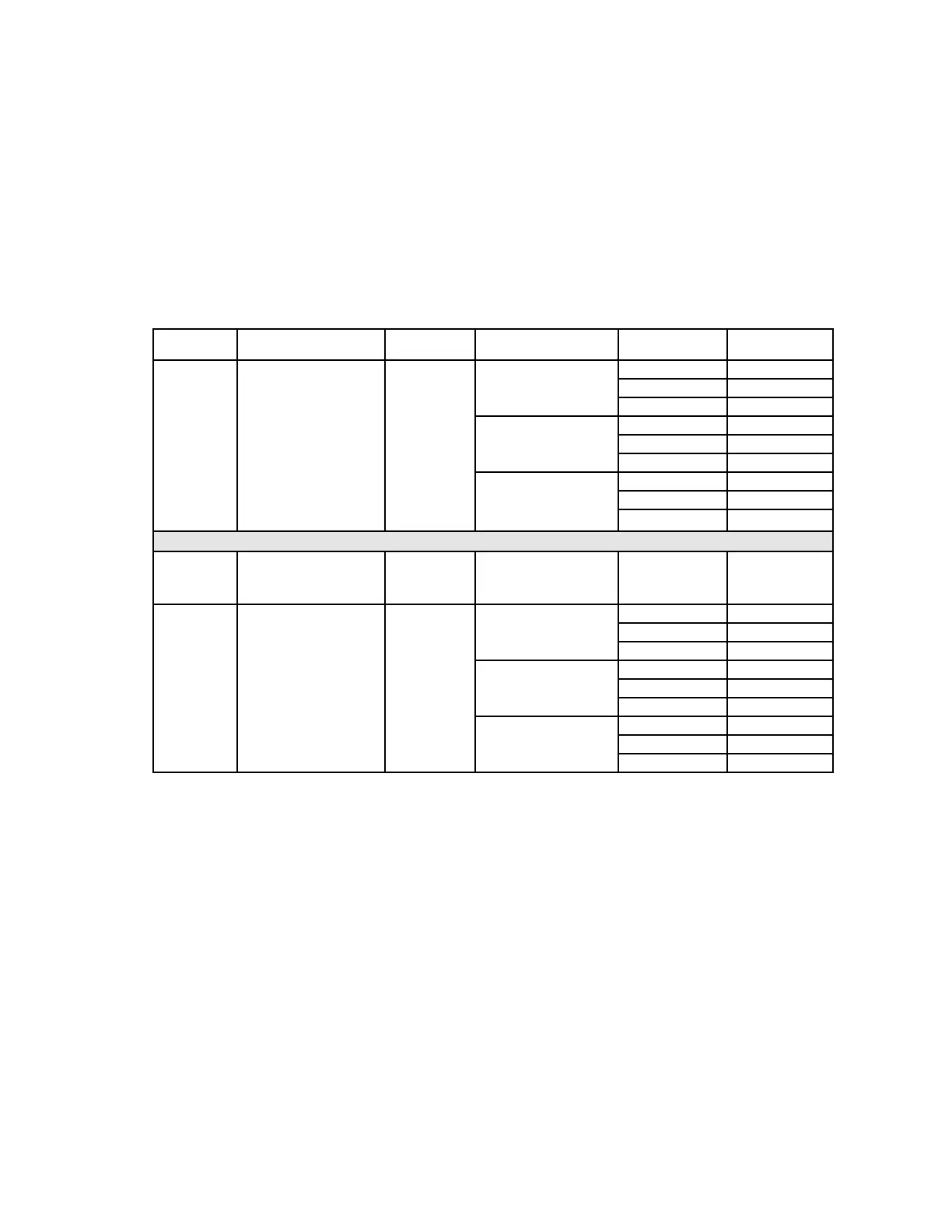
TABLE 1. INSTALLATION GUIDE FOR FRESNEL LENSES
Lens Part
No.
Description/
Coverage
Pulse Count PIR Mounting Height Range to be
Covered
Pattern Setting
(Deg)
†
5890 WIDE ANGLE LENS Optional 6 Ft (1.8m) 40 Ft (12m) –1°
Standard 40 Ft x 56 Ft 30 Ft (9m) –3°
(No. 1000) (12m x 17m) 15 Ft (4.6m) –11°
7 Ft (2.1m) 40 Ft (12m) –2.5°
30 Ft (9m) –5°
15 Ft (4.6m) –15°
8 Ft (2.4m) 40 Ft (12m) –4°
30 Ft (9m) –7°
15 Ft (4.6m)
**
O P T I O N A L FR E S N E L LE N S E S
199PA PET ALLEY LENS Optional 3–4.5Ft (0.9m–1.4m) +7°
40 Ft x 60 Ft
(12m x 18m)
199LR LONG RANGE LENS OFF* 6 Ft (1.8m) 60 Ft (18m) +1°
60 Ft x 6 Ft 40 Ft (12m) –1°
(18m x 1.8m) 20 Ft (6m) –6°
7 Ft (2.1m) 60 Ft (18m) 0°
40 Ft (12m) –2.5°
20 Ft (6m) –9°
8 Ft (2.4m) 60 Ft (18m) –1°
40 Ft (12m) –4°
20 Ft (6m) –12°
†
See Fig. 5 for location of adjustment scale on PC board (refer also to "Vertical Pattern Adjustment").
* Always set pulse count OFF with the Long Range lens.
** For distances of 20 Ft (6m) and less, adjust to maximum negative (board at highest position)
ÐÐÐÐÐÐÐÐÐÐÐÐÐÐÐÐÐÐÐÐÐÐÐÐÐÐÐÐÐÐÐÐÐÐÐÐÐÐÐÐÊ T R O U B L E S H O O T I N G Ê ÐÐÐÐÐÐÐÐÐÐÐÐÐÐÐÐÐÐÐÐÐÐÐÐÐÐÐÐÐÐÐÐÐÐÐÐÐÐ
Trouble 1: INTERMITTENT ALARM
Probable Causes:
A. Rapid temperature change. Check for electric or gas heaters, open
flames, electric arcs, etc.
Remedy:
Locate source and reposition detector.
B. Drafts causing drapes, light fixtures, display material to move.
Remedy:
Eliminate source of motion.
Trouble 2: LED INOPERATIVE DURING WALK TEST
Probable Causes:
A. LED control jumper set to NORMAL.
Remedy:
Reposition jumper to TEST position.
B. LED malfunction. Check for broken/shorted leads.
Remedy:
Return unit for service.
Trouble 3: DETECTION AREA CHANGES
Probable Causes:
A. Repositioned furniture or equipment in the protected area.
Remedy:
Caution customer about layout changes. Reposition
detector.
B. Mounting surface is unstable. A few degrees of vertical shift can
change range substantially.
Remedy:
Mount on secure surface.
Trouble 4: UNIT DOES NOT APPEAR TO BE OPERATING
Probable Cause:
A. Unit is not receiving power.
Remedy:
Check for appropriate battery voltage. Install new
batteries if necessary. Be sure to change both batteries.


 To Next Page
 Loading...