- 4 - - 5 -
ENGLISH
Quick User Guide
Out of the Box:
Monitoring is in Sleep Mode.
To Activate Monitoring:
Hold C to enter Setting Mode which will allow you to enter
personal info.
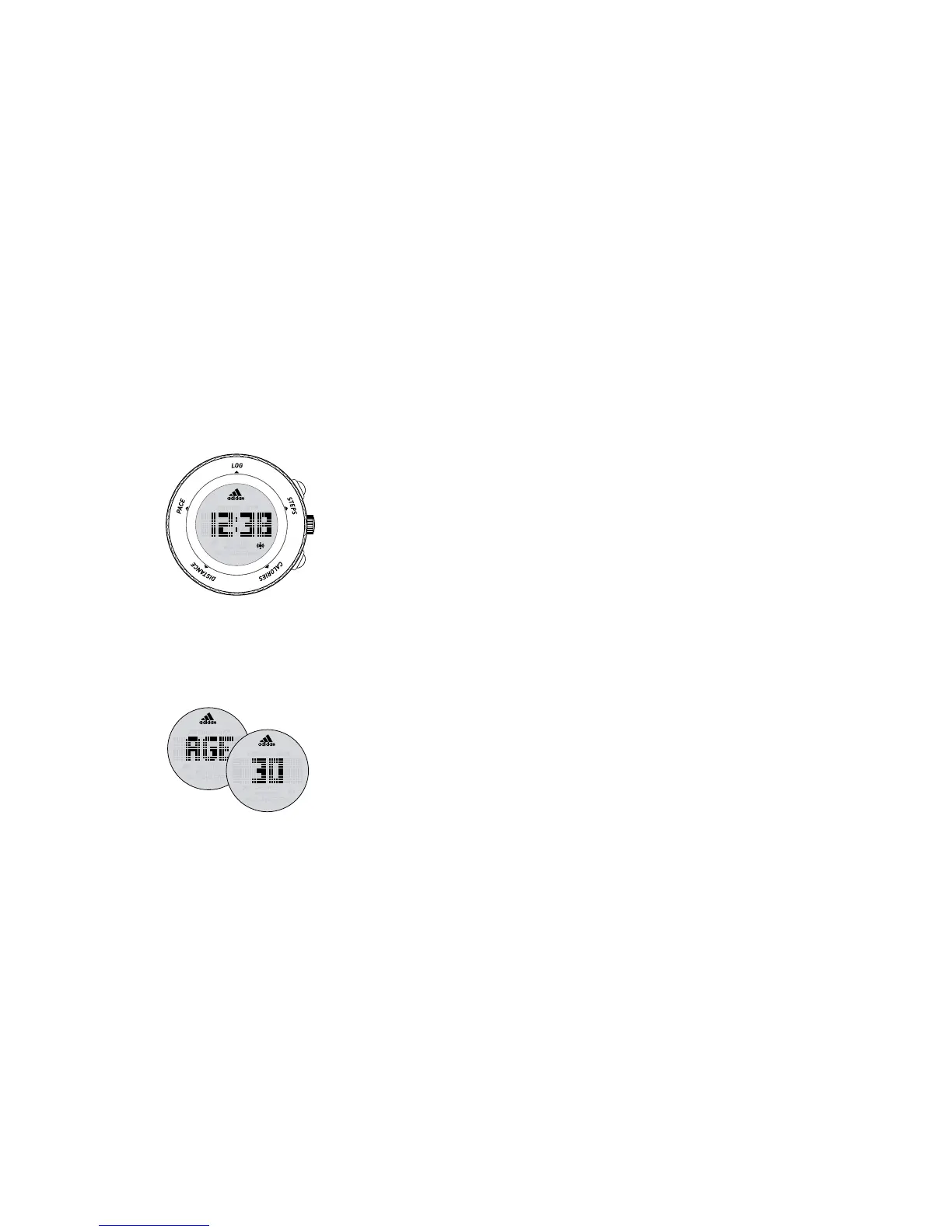
Home screen
A - Start/Stop
B - Conrm/Light
C - Mode/Set/Reset
Initial screen
After 2 seconds
Example of typical
setting screen
Press A to increase value/toggle.
Press C to decrease value/toggle.
Press B to advance to next eld.
Fields for entering information are as follows:
TIME - time, day, date, month, year
SEX - male or female
AGE - how old are you?
HEIGHT - FT or CM
WEIGHT - KG or LBS
After WEIGHT, screen will revert back to Time of Day.
Monitoring is now ACTIVATED!
STEPS - calculate overall steps in a day
CALORIES - calories burned
DISTANCE - distanced covered
PACE - calculate minutes per mile
only available while working out)
LOG - records info for the last 7 days


 To Next Page