WWW.ADIDASHARDWARE.COM 30
EN
USER PROFILES (U1–U4)
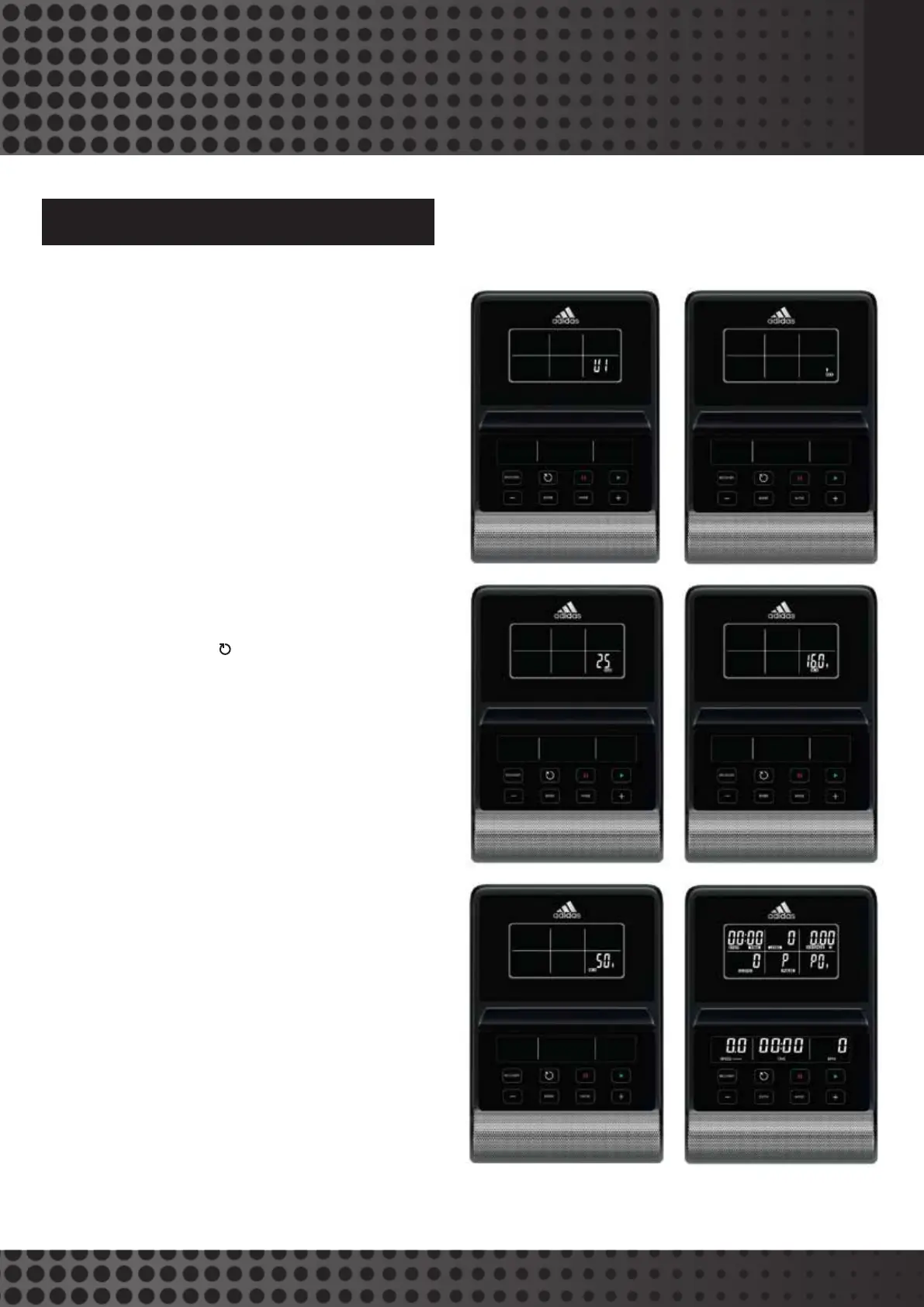
The console will power on with a long beep, the wheel diameter
78 will be displayed, and then the console will display U1.
• Use (+)/(-) to change between user profile U1, U2, U3
and U4, press MODE to confirm your selection
• Set your gender (male is the default) using (+)/(-),
and then press MODE to confirm
• Set your age (25 years is the default) using (+)/(-),
and then press MODE to confirm
• Set your height (160cm is the default) using (+)/(-),
and then press MODE to conf
irm
• Set your weight (50kg is the default) using (+)/(-),
and then press MODE to confirm
• Finally, press MODE again into main menu
• Press (+)/(-) to select exercise mode, and press START
to work out; Hold RESET (
) to restart, and revert to
user interface
COMPUTER PROGRAMS


 To Next Page