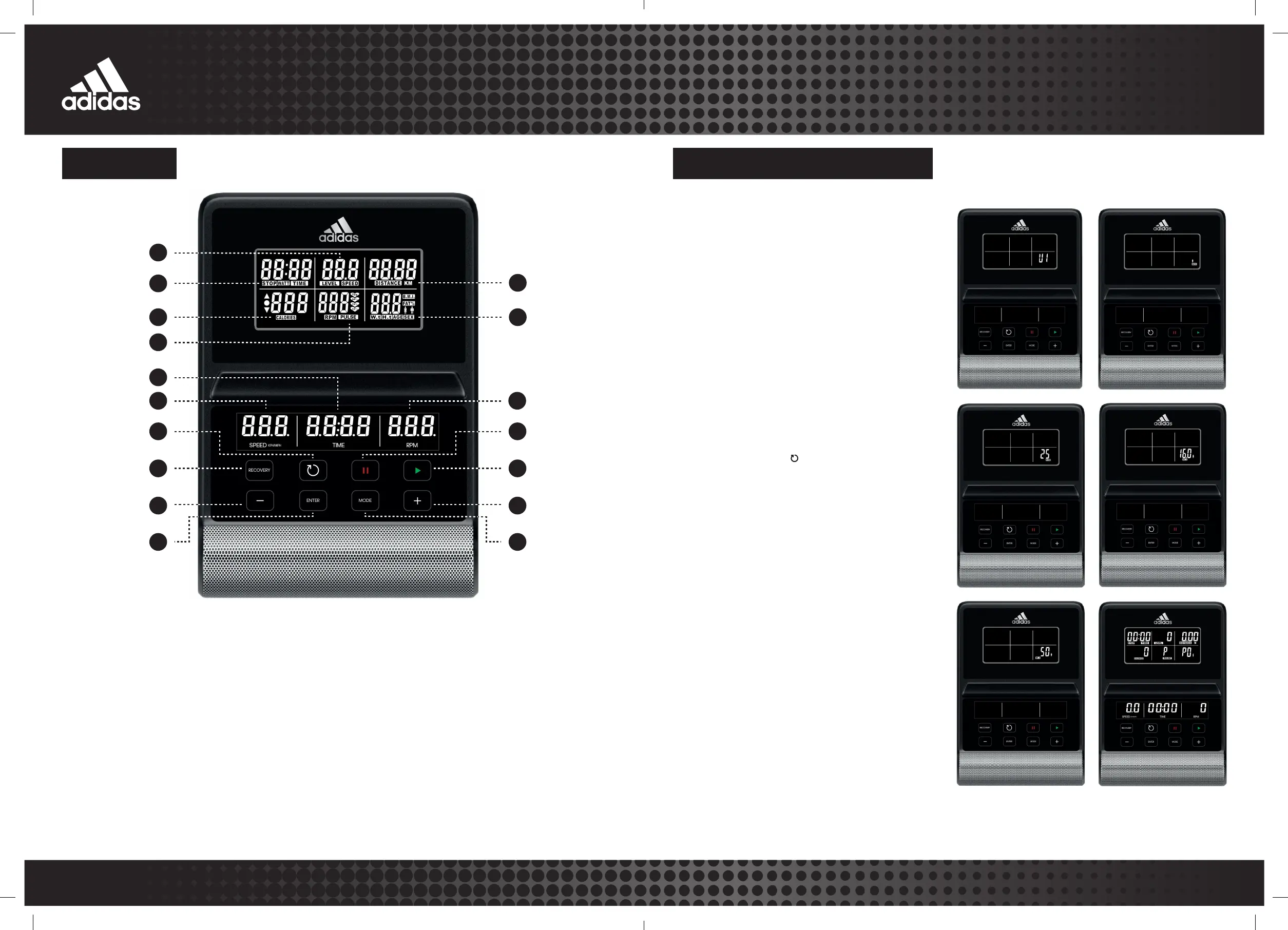
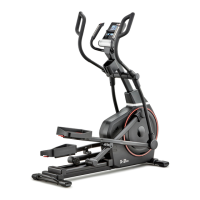
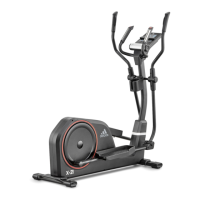
21 X-21 CROSSTRAINER
WWW.ADIDASHARDWARE.COM 22
14
7
6
13
5
1
4
15
11
12
8
3
2
16
9
17
10
Press to reset all values,
and hold to restart.
Test heart rate recovery; Once
complete, press again to revert.
Adjust function value down.
Confirm value of each function.
Revolutions per minute.
Press this button to either pause
or stop the machine.
Will commence program.
Adjust function value up.
Select or switch values of each
function. Can be as confirmation.
When user pedals, the console will power on with a long beep
sound, the wheel diameter 33 will be displayed, and then the
console will display
• Useto change between user profile
and press to confirm your selection.
• Set your gender (male is the default) using
and then press to confirm.
• Set your age (25 years is the default) using
and then press to confirm.
• Set your height (160cm is the default) using
and then press to confirm.
• Set your weight (50kg is the default) using
and then press to confirm.
• Finally, press again into main menu.
• Press to select exercise mode, and press
to work out; Hold to restart, and revert to
user interface.


 To Next Page