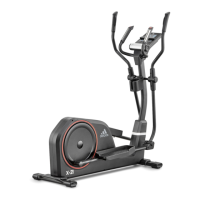
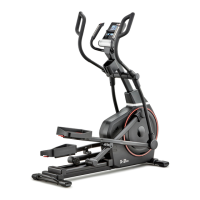
23 X-21 CROSSTRAINER
WWW.ADIDASHARDWARE.COM 24
(
In main menu, press to select and
press to confirm; Press again, highlight
press to adjust value, and press to
work out.
can be adjusted at any time during exercise by
pressing according to individual needs; If does
not change, then resistance level will be adjusted according
to speed.
At any time during workout, can be pressed to
record recovery level.
Press , place both hands on the
(located in the handle bars),console will count down from 60
seconds and display the pulse.
After the console has counted down for 60 seconds,
will be given.
Do not remove your hands from pulse sensors
or the reading will not be given during testing.
The pulse monitor is a guide for reference only and not for
medical use or monitoring.
(
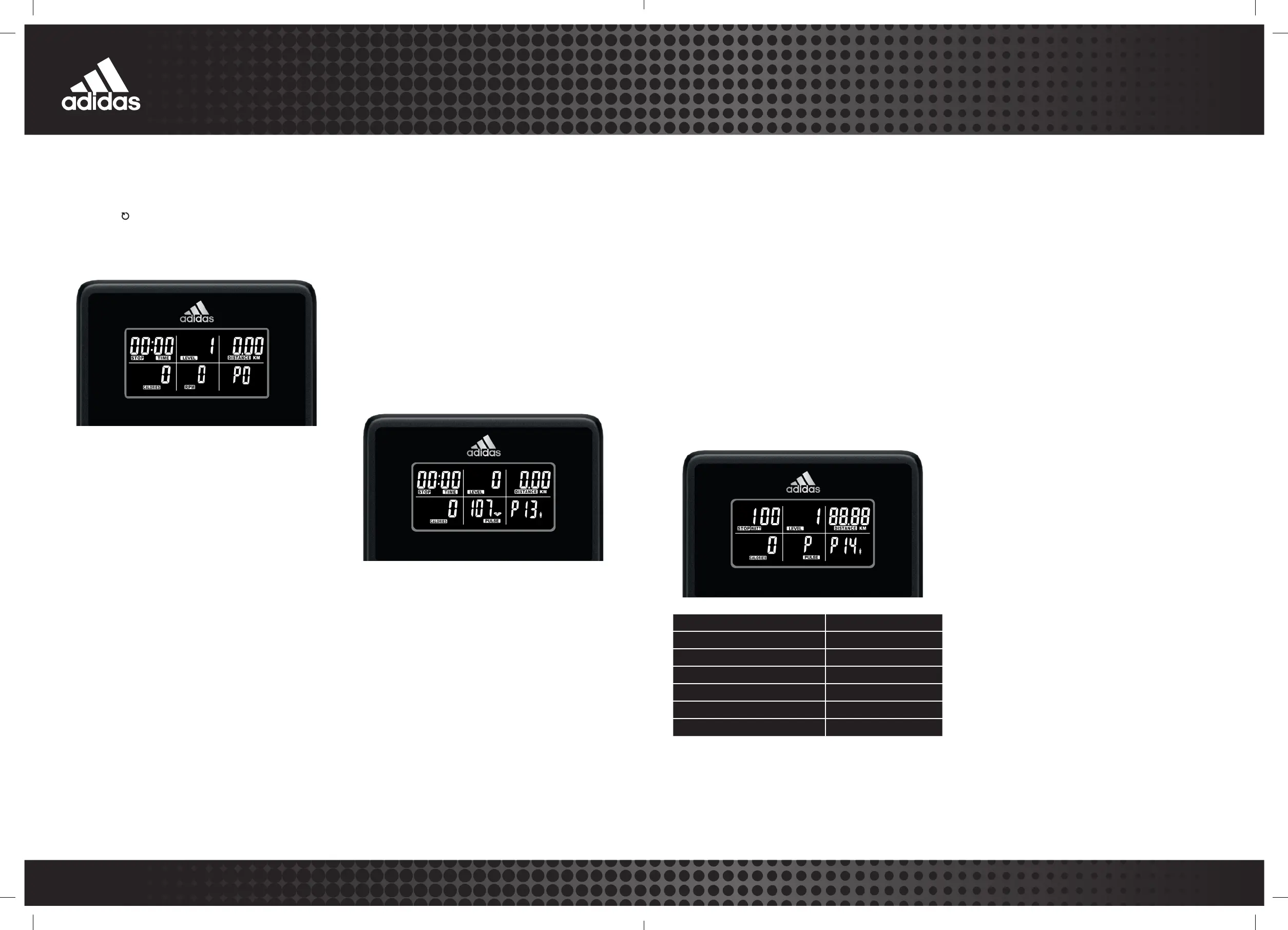
In main menu, press to select
and press to confirm; Press again, highlight
press to select 55%, 75%, 90%, or If select
press to confirm, then use to adjust value,
press the for workout.
is the users preferred to work out,
this can be altered before the exercise is started.
Maximum heart rate is worked out at 220–age = MHR. This is
the maximum heart rate (MHR) should be. You can then work
out at 55%, 75% or 90% of this. For example 220–25 (user age)
= 195MHR, you can select 107, 146 or 175 before workout.
Console will record the and allow user
to work out within this,the resistance level will automatically be
adjusted according to the heart rate.
Heart Rate Chest Strap included. Reading will appear
in window when turned on.
Wear the device against skin just below chest. Adjust straps
and make sure the battery door is facing inwards.
Accurate readings may not be given if chest skin is too dry
or if chest hair is too dense. Adjust accordingly.
The battery (CR2032 x 1) will last for up to 10 months if used
1 hour per day. When changing the battery please note the
plus side should be facing upwards.
F1
F2
F3
F4
F5 POOR
F6
Hold to restart console, displayed, then press
to enter mode PO directly.
Resistance level can be adjusted at any time during
exercise by pressing according to individual needs.
The user can play music through the machines integrated
speakers by pairing their mobile phone via Bluetooth to
the console.
Switch on mobile phone Bluetooth, search for connection
device “adidas”, connect it and music will begin.
In the user setting mode hold to enter
conversion mode, then press to select between
or Press to confirm and exit.
When the user starts to exercise, the console will power on;
When the equipment is inactive for approximately 2 minutes,
it will automatically shut down.
Keep moisture away from console.
In main menu, press to choose mode PO,
and press to work out, all values of
will count up from zero.
User can adjust
values, revert to main menu, press to select then
press to confirm, and press again to highlight
time, press to adjust,and press to switch other
values ,all settings completed, press to workout,
all setting values will count down.
(
In main menu, press to select the
and press to exercise.
User can select the 12 programs ( to exercise
according to individual needs; Also press to change
the program resistance level at any time during exercise.


 To Next Page
 Loading...