4. Connecting to Networks
4.1 Connecting to Wi-Fi
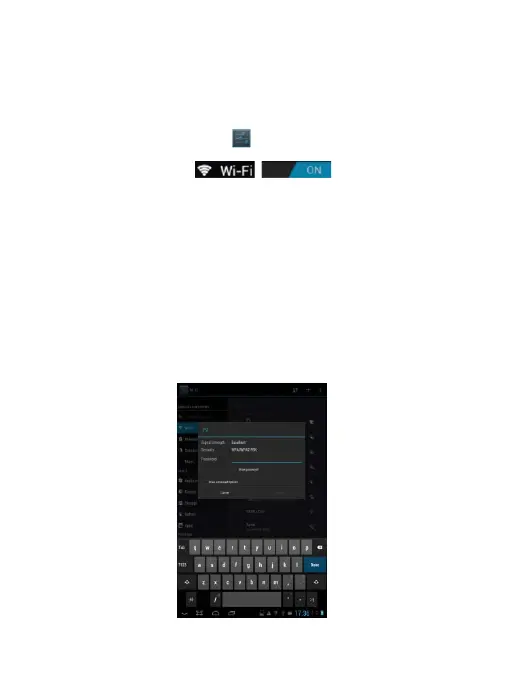
● Tab the Settings Icon
● Slide Wi-Fi icon to the right (ON)
to turn on Wi-Fi, the tablet will scan and offer a list of
available Wi-Fi net-works. Tab the name of Wi-Fi to
connect to it.
● If the Wi-Fi network doesn't have a password, the
tablet will connect to it automatically. If the Wi-Fi network
has a password, input it and tap connect.



 To Next Page