If above interface does not pop up, tab the icon
at top left of screen and choose USB connected in the
popup.
6. Applications
6.1 Install New Apps
6.1.1 To download & install apps from Playstore ,
just follow the instructions by system.
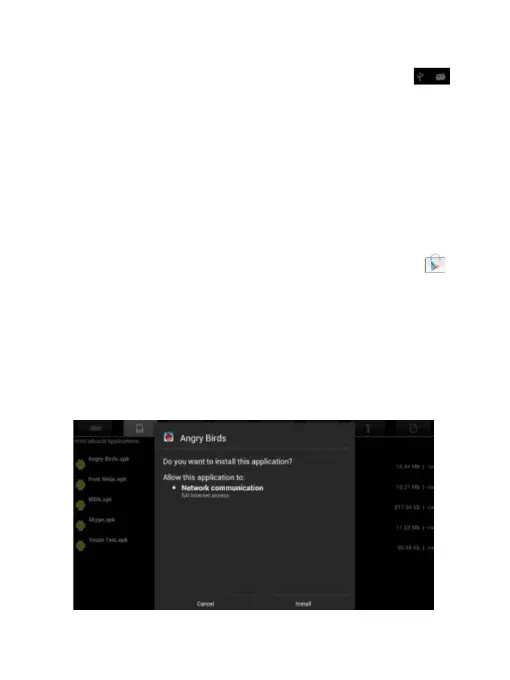
6.1.2 To install apps by APK files in tablet’s storage.
Run File Manager, just find the location of apps'
packages, and tab its name to install.



 To Next Page