FLASH CS3
User Guide
327
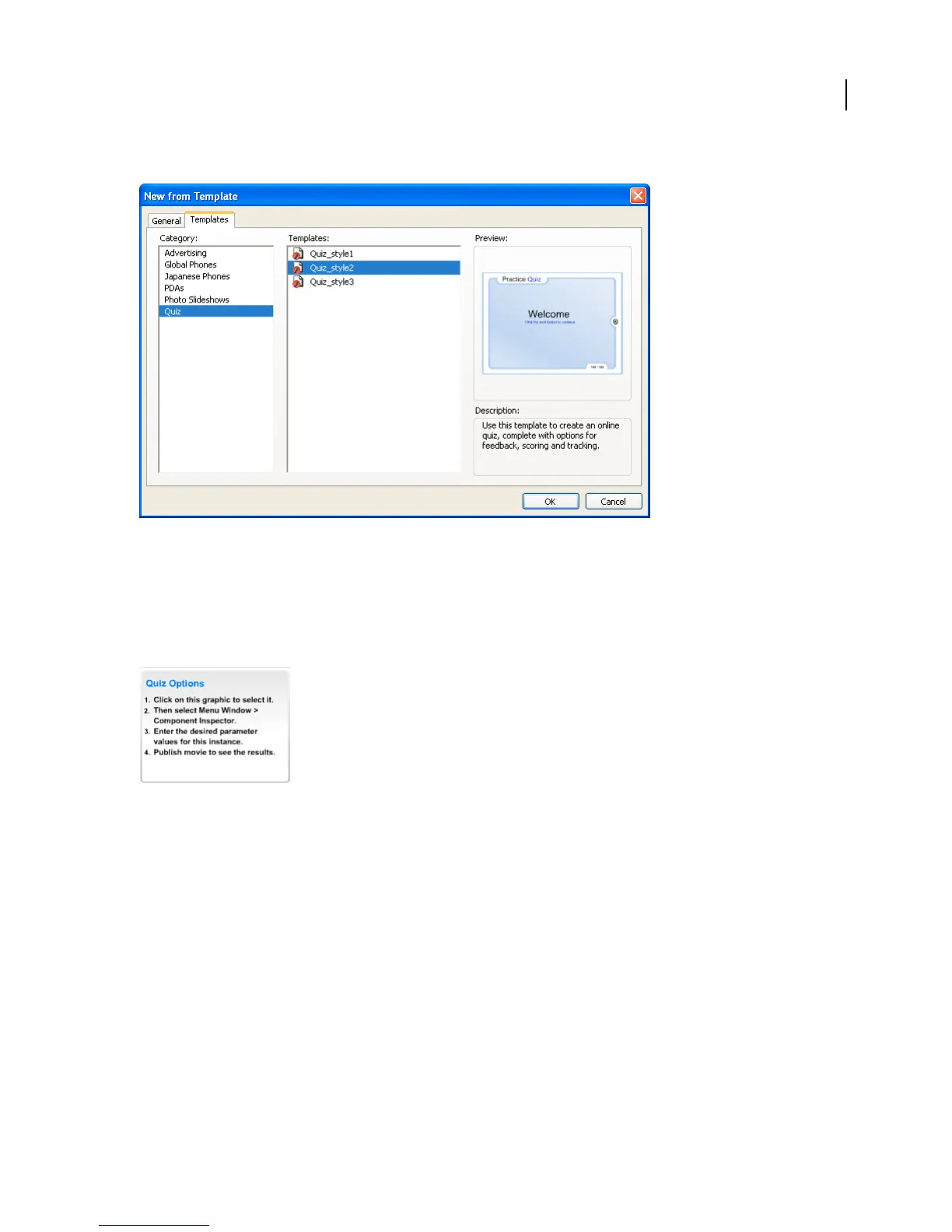
3 In the Category column, select Quiz; in the Templates column, select one of the quiz styles.
Set quiz parameters
Quiz parameters control how the entire quiz is presented to users—for example, whether the questions are presented
in a random or sequential order, the number of questions to display, and whether the Results page appears.
1 Select the Quiz Options component with instructions to the left of the Stage in the quiz template. This component
lets you set the parameters for the quiz.
Note: These instructions do not appear in the SWF file.
2 Do one of the following to open the Component inspector:
• Select Window > Component Inspector.



 To Next Page