FLASH CS3
User Guide
28
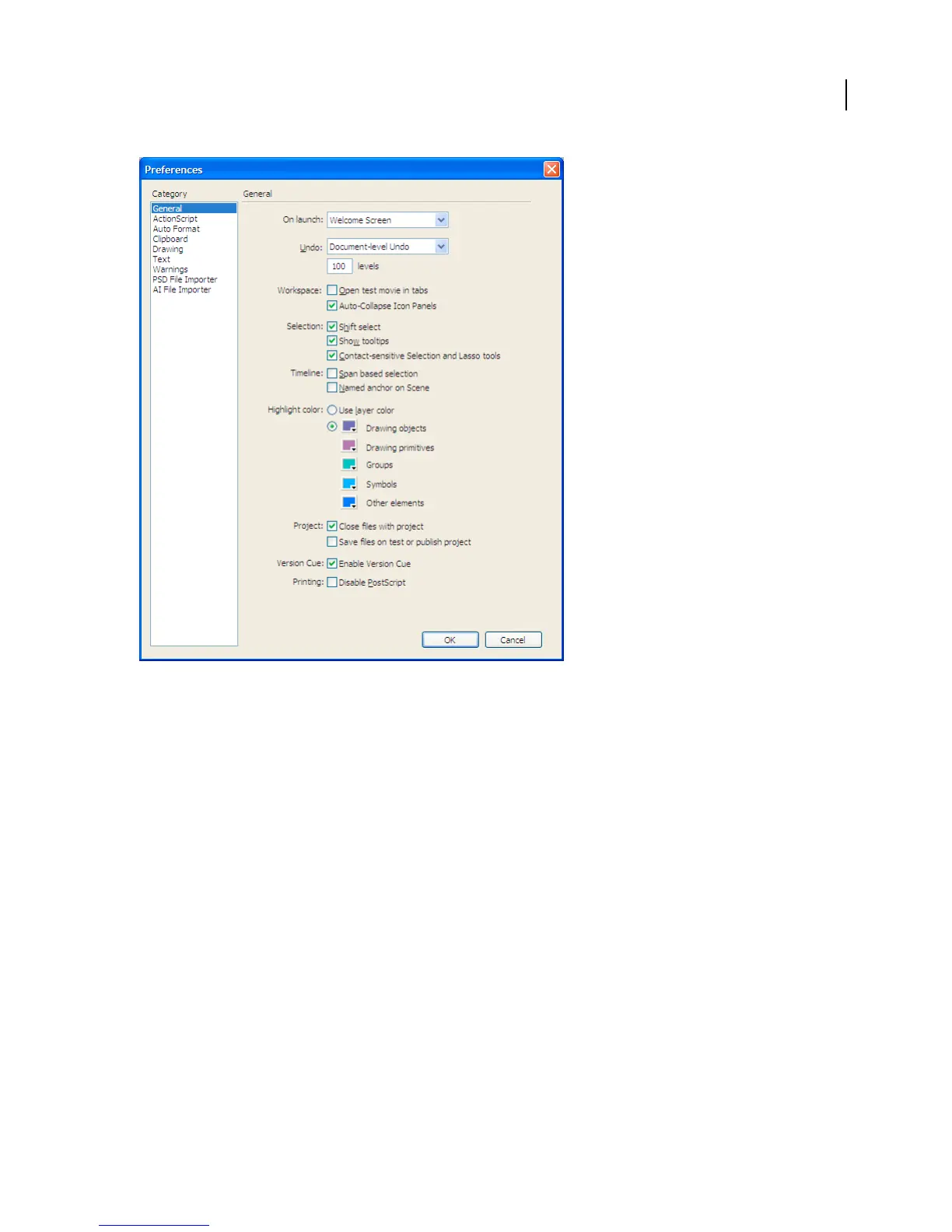
The General category in the Preferences dialog box
See also
“Specify drawing preferences” on page 163
“Change the display of frames in the Timeline” on page 35
“About the Timeline” on page 33
“Creating and managing documents” on page 51
“Substituting missing fonts” on page 263
“Set Pen tool preferences” on page 173
“AI File Importer preferences” on page 143
“PSD file import preferences” on page 150
Set preferences
1
Select Edit > Preferences (Windows) or Flash > Preferences (Macintosh).
2 Make a selection in the Category list and select from the respective options.
Set AutoFormat preferences for ActionScript
❖ Select any of the options. To see the effect of each selection, look in the Preview pane.



 To Next Page