LESSON 4
110
Page Layout
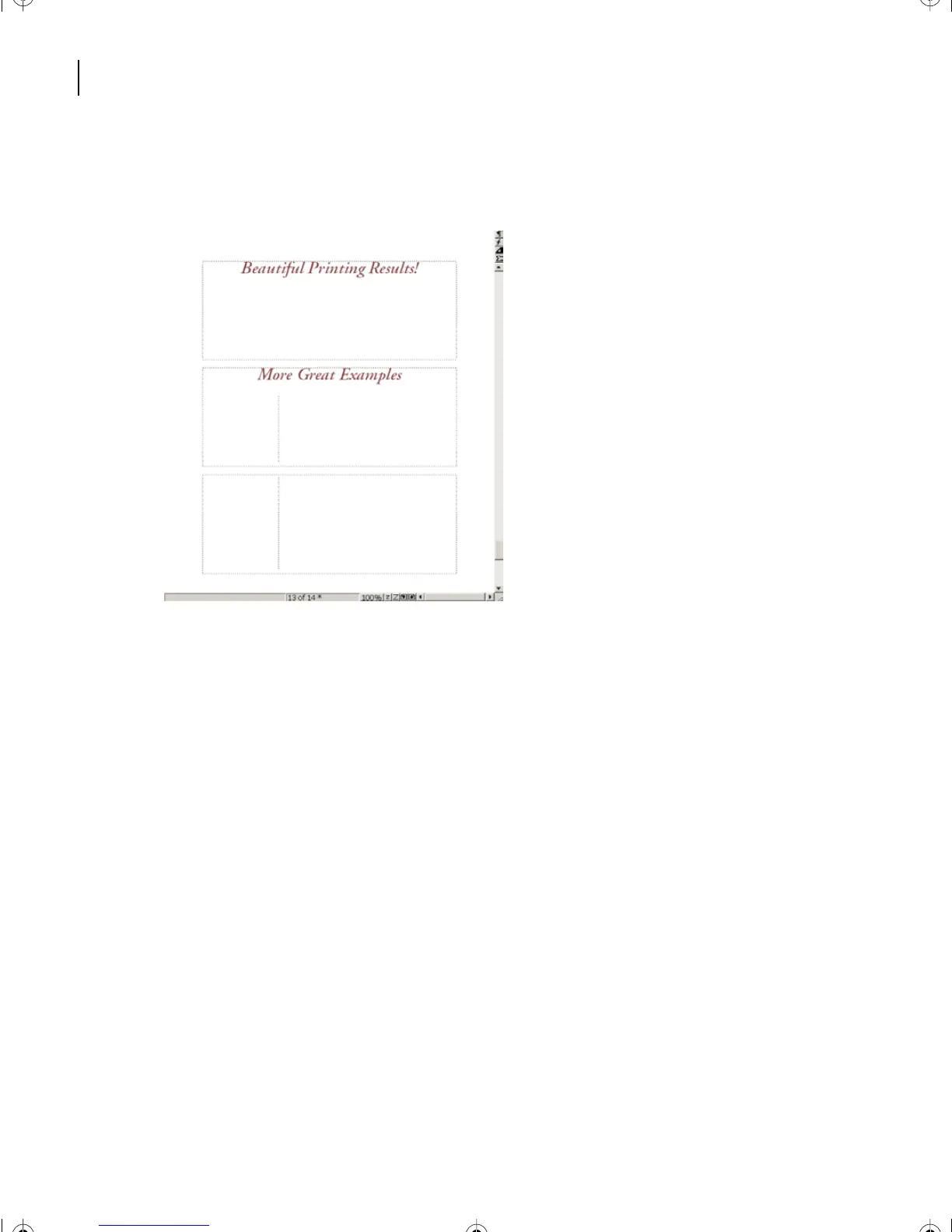
The two HighlightText paragraphs are now at the top of the first two boxes of the first
added new page.
The master page usage for it has been changed to Start through the Apply Master Pages
command.
3 Save and close the document.
You have completed the lesson on page layout, working with some of the powerful tools
of Adobe FrameMaker 7.0.
Moving on
Yo u’ve completed this lesson. For in-depth information about variables, page layout, and
templates see Chapter 8, “Variables,” Chapter 12, “Page Layout,” and Chapter 13,
“Templates,” in the Adobe FrameMaker 7.0 User Guide.
Review questions
1 How do you change the page margins of a document?
2 What are master pages?
3 What are the main differences between the template text frames and background
text frames that appear on master pages?
L04.fm Page 110 Saturday, July 6, 2002 11:34 AM



 To Next Page