LESSON 6
146
Document Editing
Other ways to use Find/Change
You can use Find/Change and Find/Next commands to find many other items, not just
text. For instance, you can choose Variable of Name from the Find pop-up menu and type
the name of the variable to find or change. Or, you can specify a paragraph tag and its
name to quickly find the next or previous instance of that paragraph format in your
document.
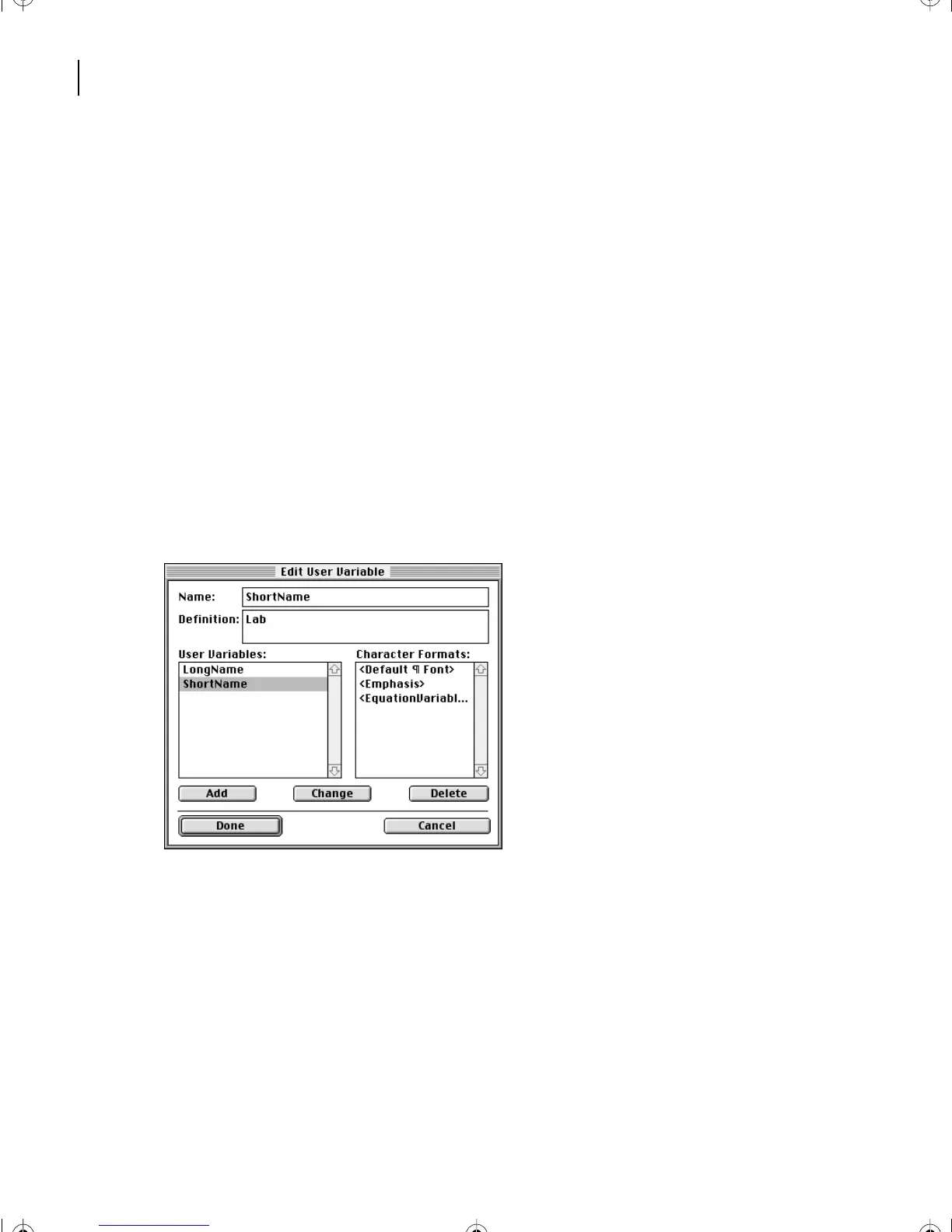
Changing a variable definition
Yo u’ll change the definition for the ShortName variable from
Labrador
to
Lab
.
FrameMaker 7.0 will then make the change throughout the document.
1
Choose Special > Variable.
2
Select ShortName in the Variables scroll list and click Edit Definition.
3
Enter
Lab
in the Definition text box and click Change.
4
Click Done, and then click Done again. FrameMaker 7.0 replaces Labrador with Lab
throughout the article.
L06.fm Page 146 Saturday, July 6, 2002 11:51 AM



 To Next Page