LESSON 8
190
Customizing Tables
9
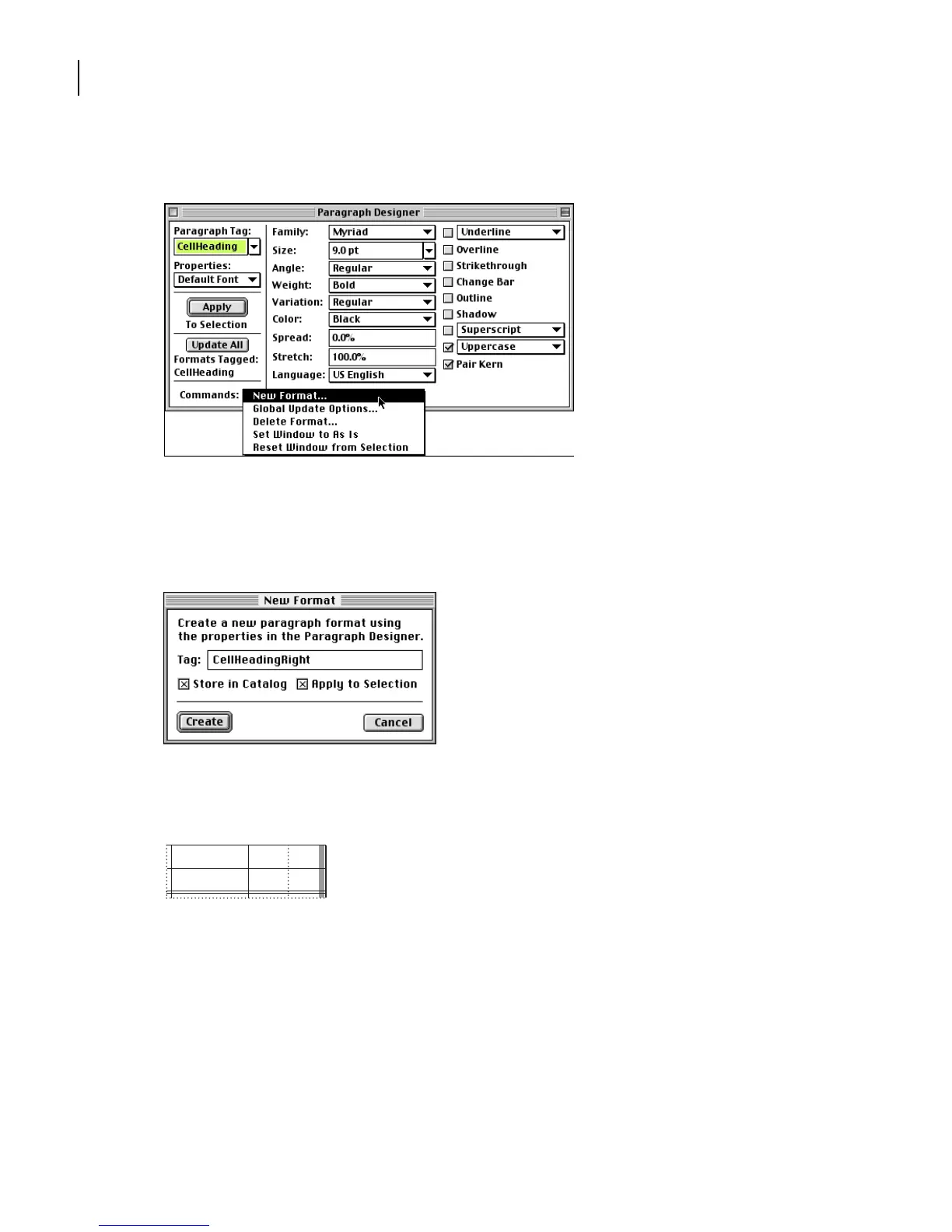
Choose New Format from the Commands pop-up menu.
10
Enter
CellHeadingRight
in the Tag text box.
11
Make sure that both options, Store in Catalog and Apply to Selection, are selected, and
click Create.
The current paragraph’s tag changes to CellHeadingRight, and the CellHeadingRight
format is added to the Paragraph Catalog.
Cell contents appear in uppercase.
12
In the Paragraph Designer, choose Basic from the Properties pop-up menu.
13
Choose Right from the Alignment pop-up menu. Then click Update All.
FISCAL YEAR
19992000



 To Next Page