LESSON 9
218
Anchored Frames and Graphics
5
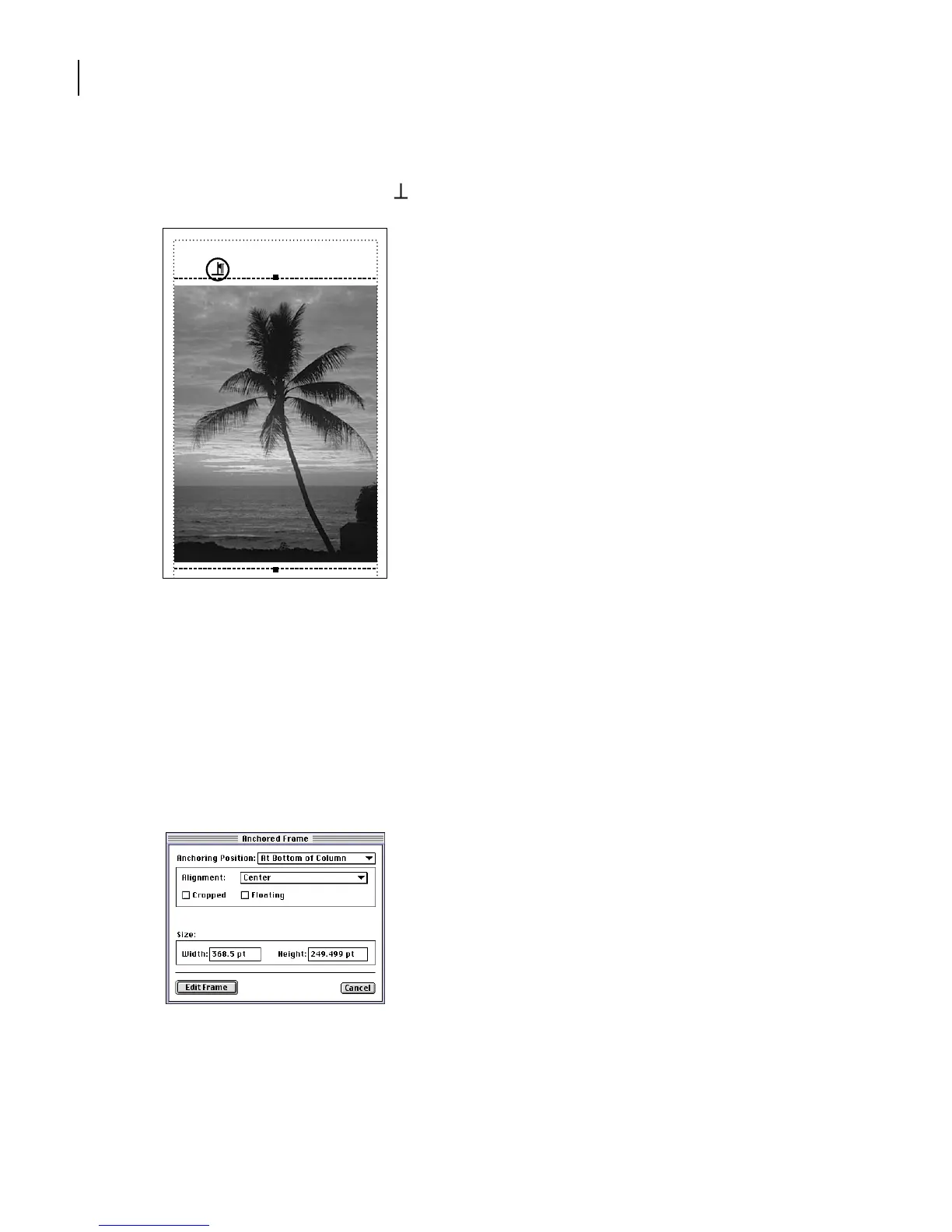
Click Import and then click Set. The graphic appears in an anchored frame below the
heading. An anchor symbol ( ) appears at the end of the heading.
Anchor symbol
The graphic is wider than the column, and is cropped by the column. You’ll turn off the
cropping effect so you can display the entire graphic, and then change the anchoring
position.
6
With the anchored frame still selected, choose Special > Anchored Frame.
7
Choose At Bottom of Column from the Anchoring Position pop-up menu.
8
Turn off Cropped and click Edit Frame.
The anchored frame moves to the bottom of the page, and the rest of the graphic appears.
Elsewhere Along Alii
Drive



 To Next Page