LESSON 9
226
Anchored Frames and Graphics
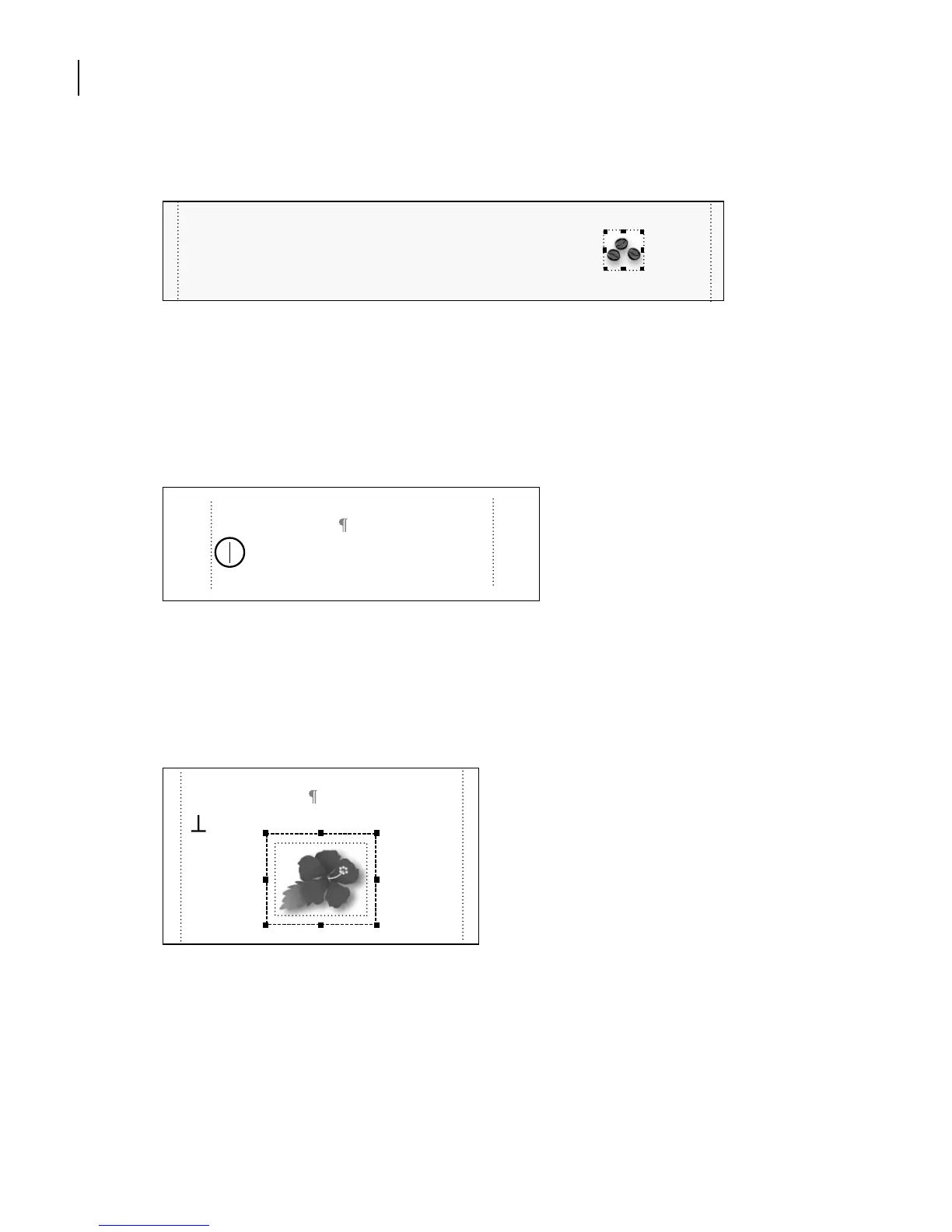
The appropriate graphic now appears in the frame.
Using run-in art
Next you’ll add a graphic that’s run into the beginning of a paragraph.
1 Go to page 2 of Anchors1.fm.
2 Click at the beginning of the first paragraph under the heading Kailua Area.
3 Choose File > Import > File.
4 Select the Flower.tif file in the Art folder (within the Lesson09 folder), click Import,
then click Set in the Import Graphic Scaling dialog box.
The graphic appears in the frame.
Unlike the graphics in the previous section, the graphic you imported here is too large, so
you’ll scale it down.
Good Kona coffee will set you back $15 or more per pound. Believe it or not, sur-
prisingly little profit is made at that price. Coffee tours are available from
many growers. The Kina Coffee Council has a brochure, but coffee tours are not
Kailua Area
Kailua was a tiny fishing village in days
gone by. Fishermen would haul in giants
Kailua Area
Kailua was a tiny fishing village in days



 To Next Page