229
ADOBE FRAMEMAKER 7.0
Classroom in a Book
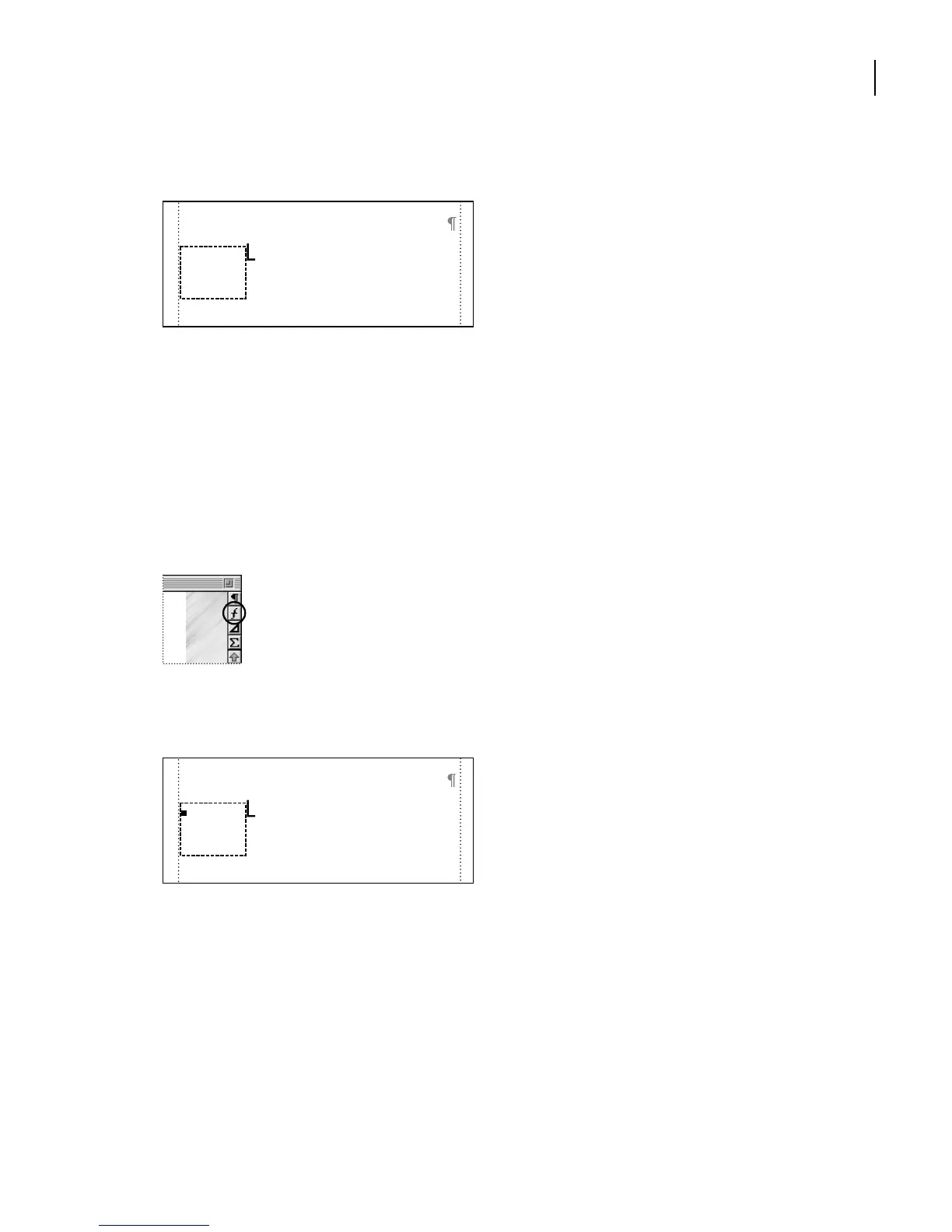
8 Click inside the anchored frame and type the letter B.
9 Close the Tools palette.
10 Do one of the following to select the text line:
• (Windows and UNIX) Control-click the letter B.
• (Mac OS) Option-click the letter B.
Now you’ll apply a preset group of font properties to the letter.
11 At the right side of the document window, click the Character Catalog button.
Character Catalog button
12 In the Character Catalog, click DropCap. Then close the Character Catalog.
The letter B should still be selected.
13 Drag the letter until it’s positioned at the top-left corner of the anchored frame.
ack on Highway 19 heading
South, the large cluster of palms
towards the ocean at the 79-mile
B
Kohala Lava Desert Area
marker surround a large freshwater pond
ack on Highway 19 heading
South, the large cluster of palms
towards the ocean at the 79-mile
Kohala Lava Desert Area
marker surround a large freshwater pond



 To Next Page