231
ADOBE FRAMEMAKER 7.0
Classroom in a Book
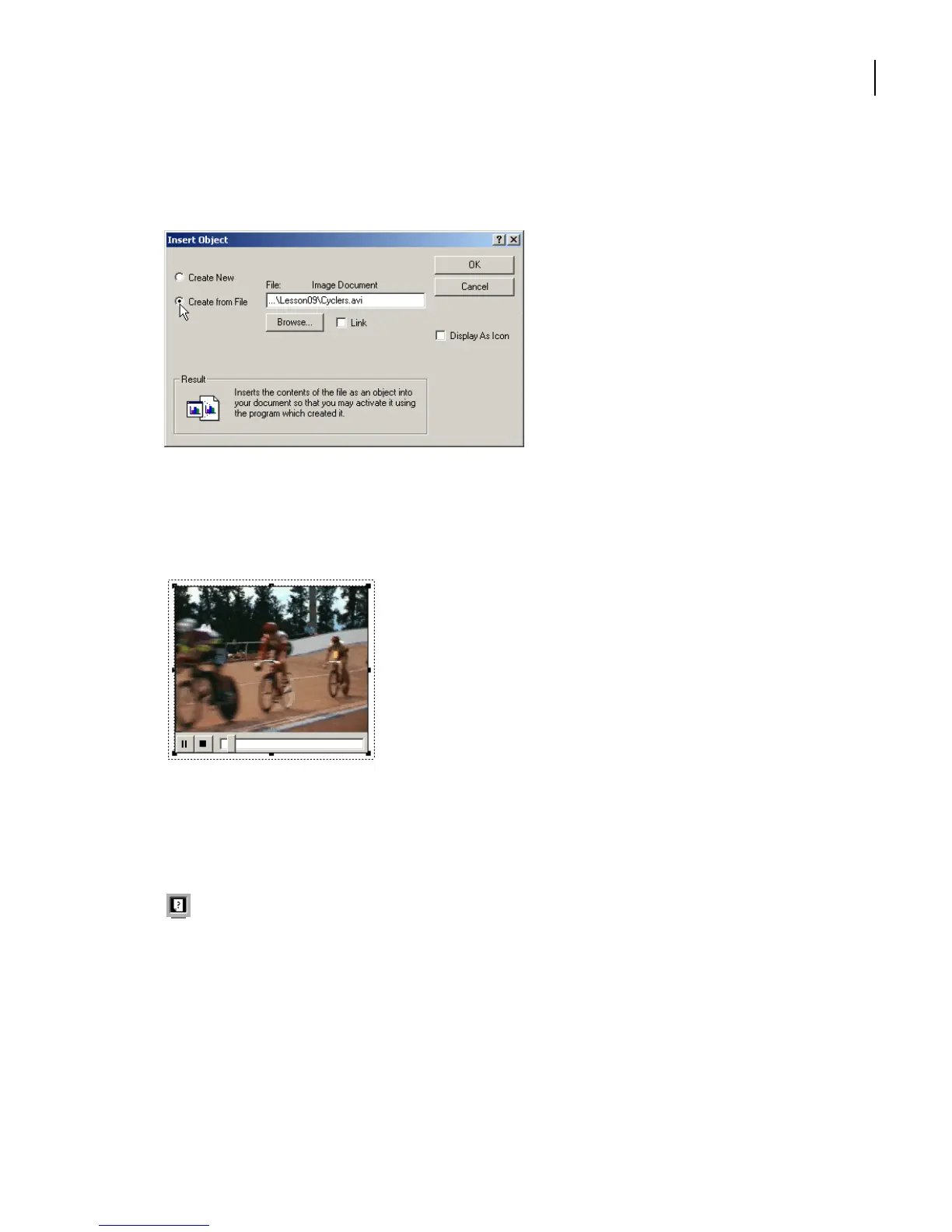
5 Browse to the Lesson09 Art folder, select Cyclers.avi, click Open to insert the file name
into the dialog box. Click OK.
6 The movie is imported like any other graphic. The difference is that you have now
embedded an active object into the document. To watch the movie, double-click the
imported graphics frame.
Sample Windows movie playing in a
FrameMaker 7.0 document window.
Note: Don’t rotate the movie. You won’t be able to play it until you return it to its original
orientation.
For more information, see “Using OLE (Windows)” in Chapter 18 of the Adobe
FrameMaker 7.0 User Guide.
When you print a document containing an object, only the object’s title appears.
Note: Don’t move or delete the original .avi movie file. The entire movie is not copied into
your document. Instead, it is played in your document through linking to the movie as a
reference.



 To Next Page