LESSON 1
26
Working with FrameMaker 7.0 Documents
Applying formats to paragraphs
Next, you’ll apply some of the formats to paragraphs. It’s usually easier to work with text
when text symbols and borders are visible, so you’ll display them again.
1 Choose View > Text Symbols and then View > Borders.
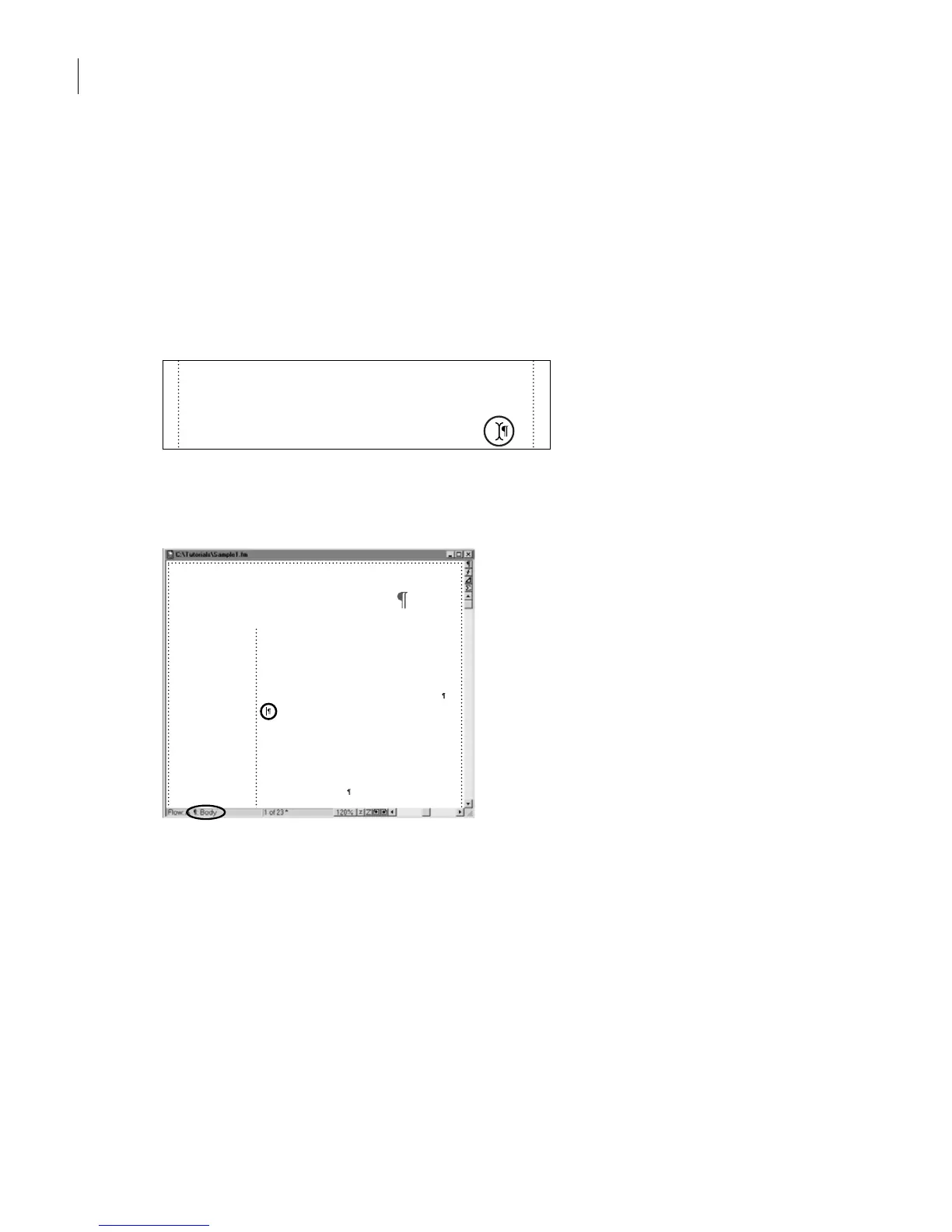
2 Click to place the insertion point at the end of the first body paragraph, between the
period and the end-of-paragraph symbol.
3 Press the Return key (which may be labeled Enter on a PC keyboard) to insert an empty
paragraph. The new paragraph’s tag is Body.
The new paragraph is a Body paragraph.
4 In the Paragraph Catalog, click Heading1. This tags the empty paragraph as a Heading1
paragraph. The properties of the Heading1 format are applied to the paragraph, and
Heading1 appears in the Tag area of the status bar.
need three things: a clear understanding of color and
how it’s displayed and printed on different devices,
knowledge of the commercial printing process, and
close communication with your commercial printer.
Chapter 1: Color and
Commercial Printing
When you create a multi-color publication, you want
the colors in the final printed piece to match your expec-
tations as closely as possible. To accomplish this, you
need three things: a clear understanding of color and
how it’s displayed and printed on different devices,
knowledge of the commercial printing process, and
close communication with your commercial printer.
This chapter presents fundamental color and printing
concepts, defines printing terminology, and introduces
new technologies. We also recommend browsing in your
local library, bookstore, or graphic arts supply store for
books on graphic arts and commercial printing. The
more you know about printing color, the better you can
prepare your publication.



 To Next Page