LESSON 11
276
Books
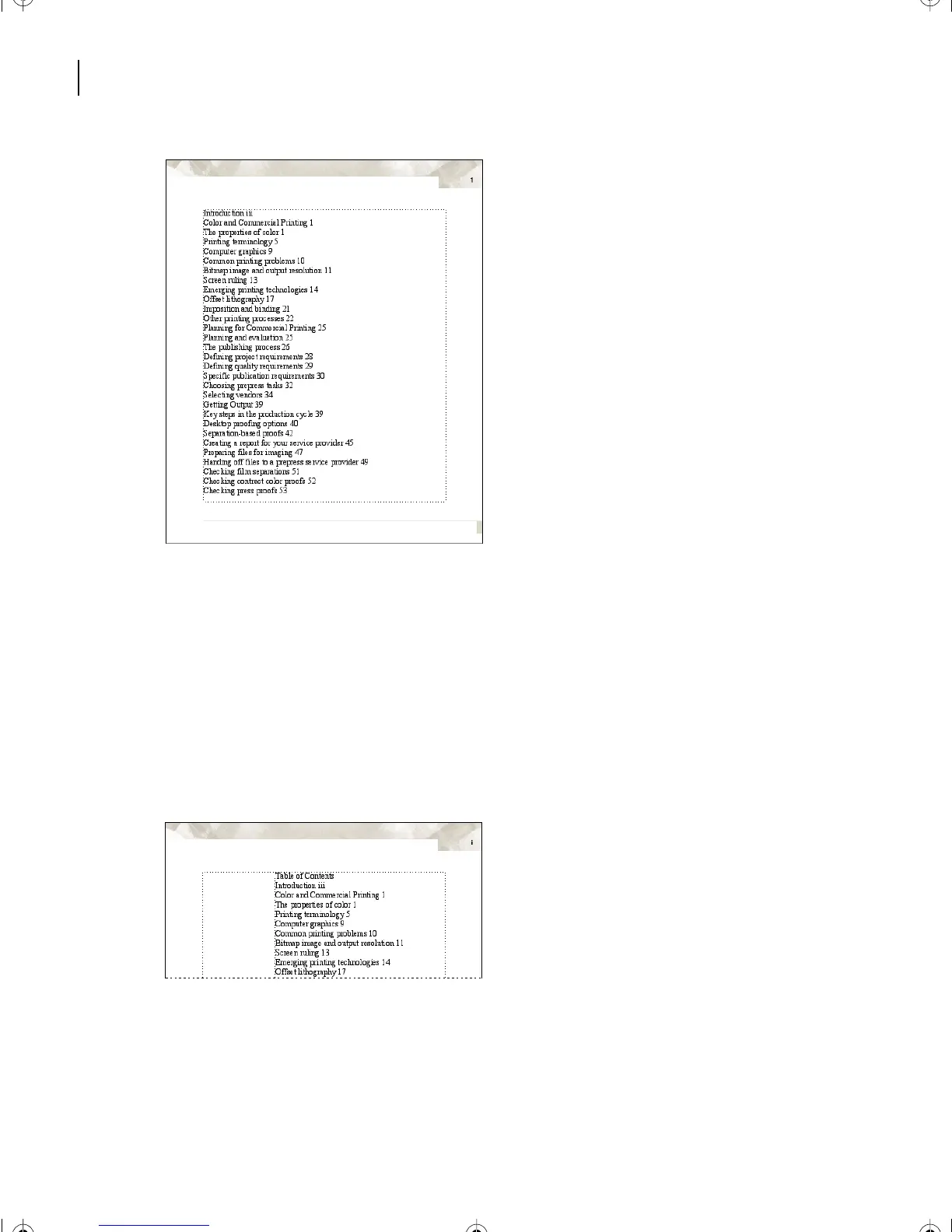
Adding a title
Before you format the entries in the table of contents, you’ll add a title.
1 Click outside the frame to deselect it and then click at the beginning of the first
paragraph of the table of contents (Introduction).
2 Press Return and then press the Up Arrow key to place the insertion point in the new
empty paragraph above Introduction.
3 Type Ta b le of Contents.
4 Choose Format > Paragraphs > Designer.
5 Choose New Format from the Commands pop-up menu.
L11.fm Page 276 Sunday, July 7, 2002 10:27 PM



 To Next Page