299
ADOBE FRAMEMAKER 7.0
Classroom in a Book
6
Click Edit, then click Done.
7
Choose View > Body Pages to redisplay the first page of the index. The word
Index
now
appears in the page footer.
At this point, you’re ready to format the entries.
Formatting the entries
When you first generated the index, FrameMaker 7.0 created and assigned paragraph tags
to the entries.
1
Click in the first index entry (whose text is
Additive color model
) and notice the tag that
appears in the status bar: Level1IX.
2
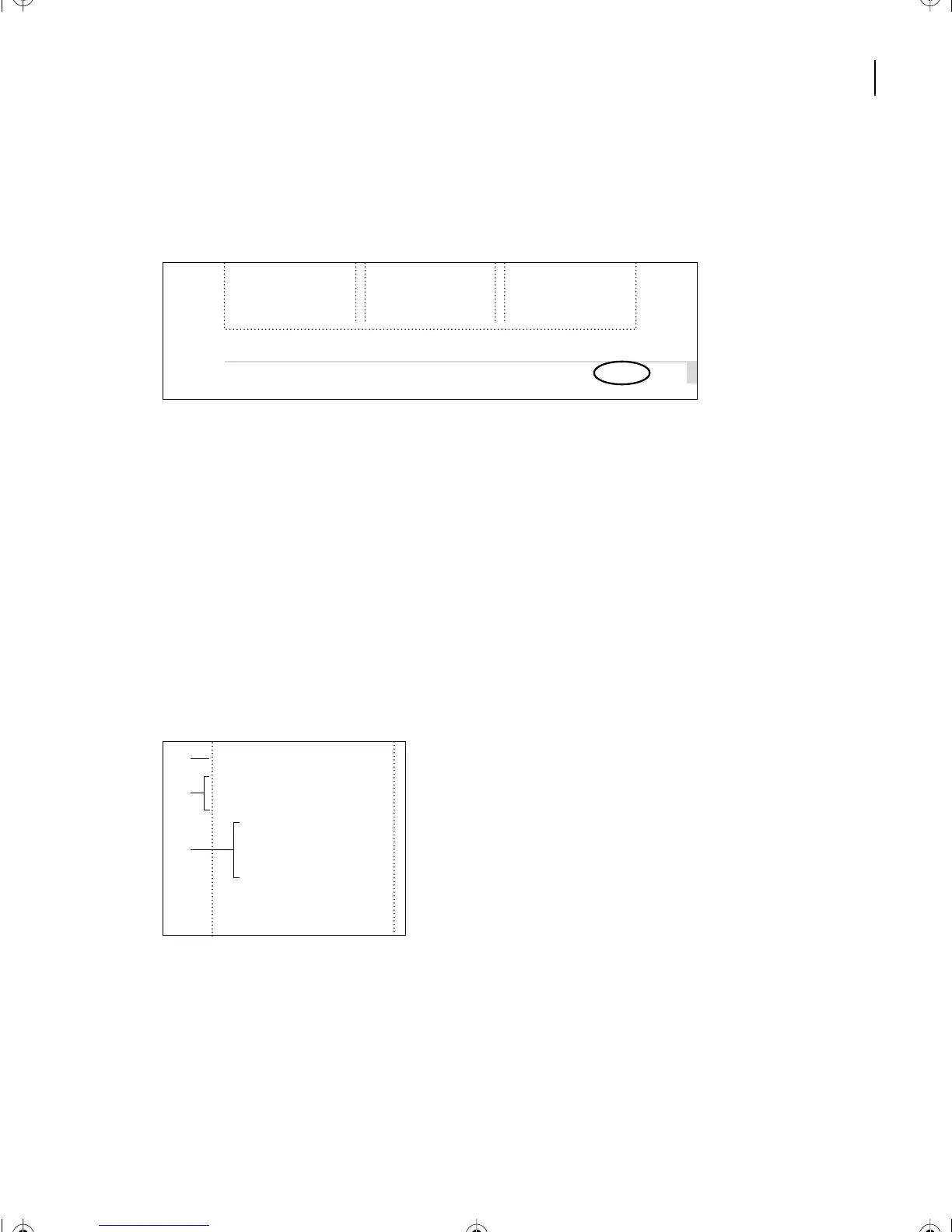
Press the Down Arrow key several times to move the insertion point down the page,
noticing (in the status bar) that the other paragraphs also have a tag that ends in
IX
(GroupTitlesIX, Level1IX, and Level2IX).
A.
GroupTitlesIX
B.
Level1IX
C.
Level2IX
Formatting main entries
First you’ll format the main entries (the ones tagged Level1IX).
1
Click in the first index entry (
Additive color model
).
illustrations
50
consulting 39
selecting 37–40
Commercial printing
File formats, for hand-
off 49
Film separations 11
Index
in imported
B
Binding 24
Bitmap image
defined 13
resolution of 15
tonal range in 15
Bleed, checking 50
Blueline 46
A
B
C
L12.fm Page 299 Monday, July 8, 2002 1:28 PM



 To Next Page