LESSON 12
302
Indexes
4 Click Update All.
The group titles are formatted.
Group titles
5 Save the index.
All that remains to be formatted are the page numbers for index entries. You’ll format
them next.
Formatting page numbers
The format for index entry page numbers is controlled from a special page called a
reference page.
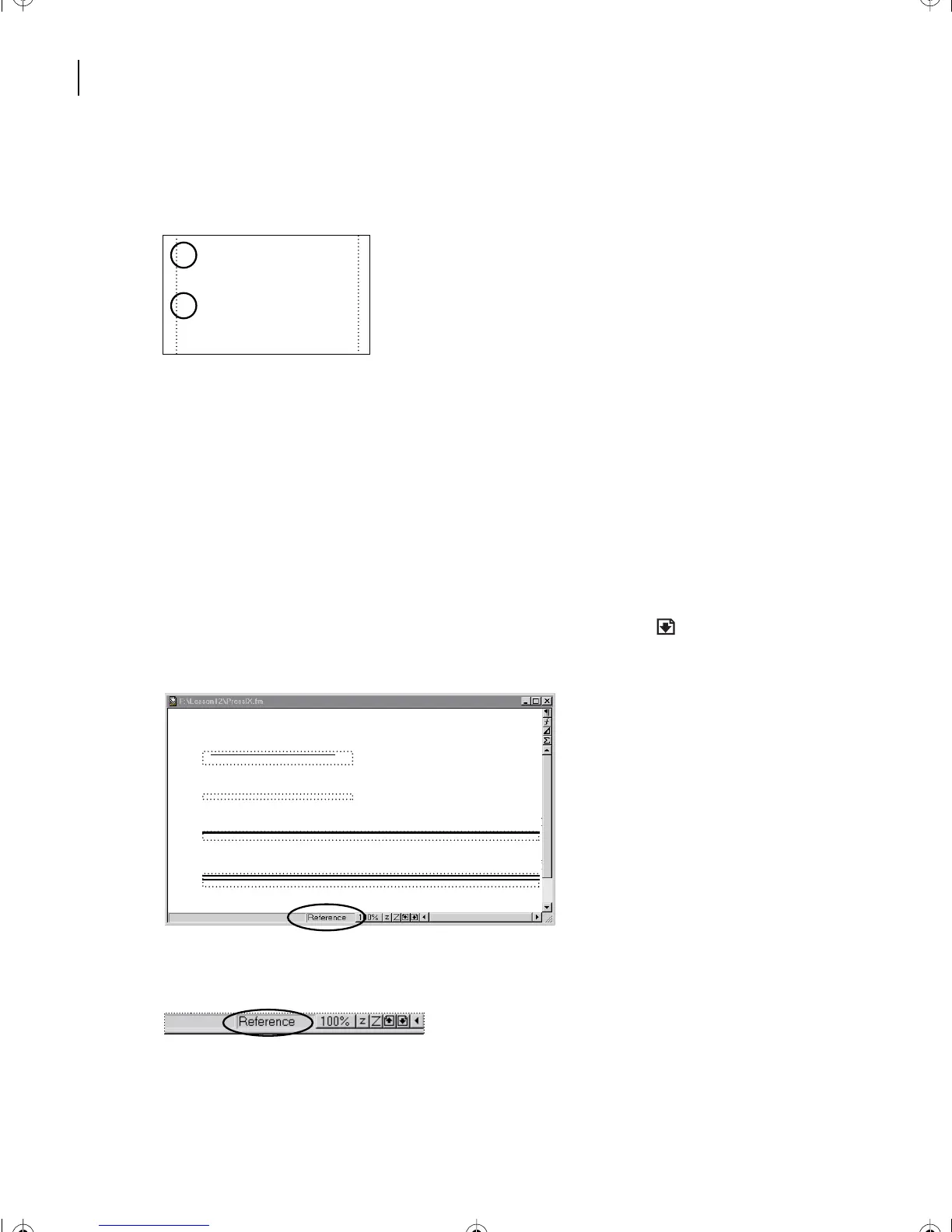
1 Choose View > Reference Pages. Click the Page Down icon ( ) until the one named
Reference appears.
The name of the reference page called Reference appears in the status bar.
A
Additive color model 7
B
Binding 24
Bitmap image
Footnote
Single Line
Double Line
TableFootnote
L12.fm Page 302 Monday, July 8, 2002 1:28 PM



 To Next Page