LESSON 1
32
Working with FrameMaker 7.0 Documents
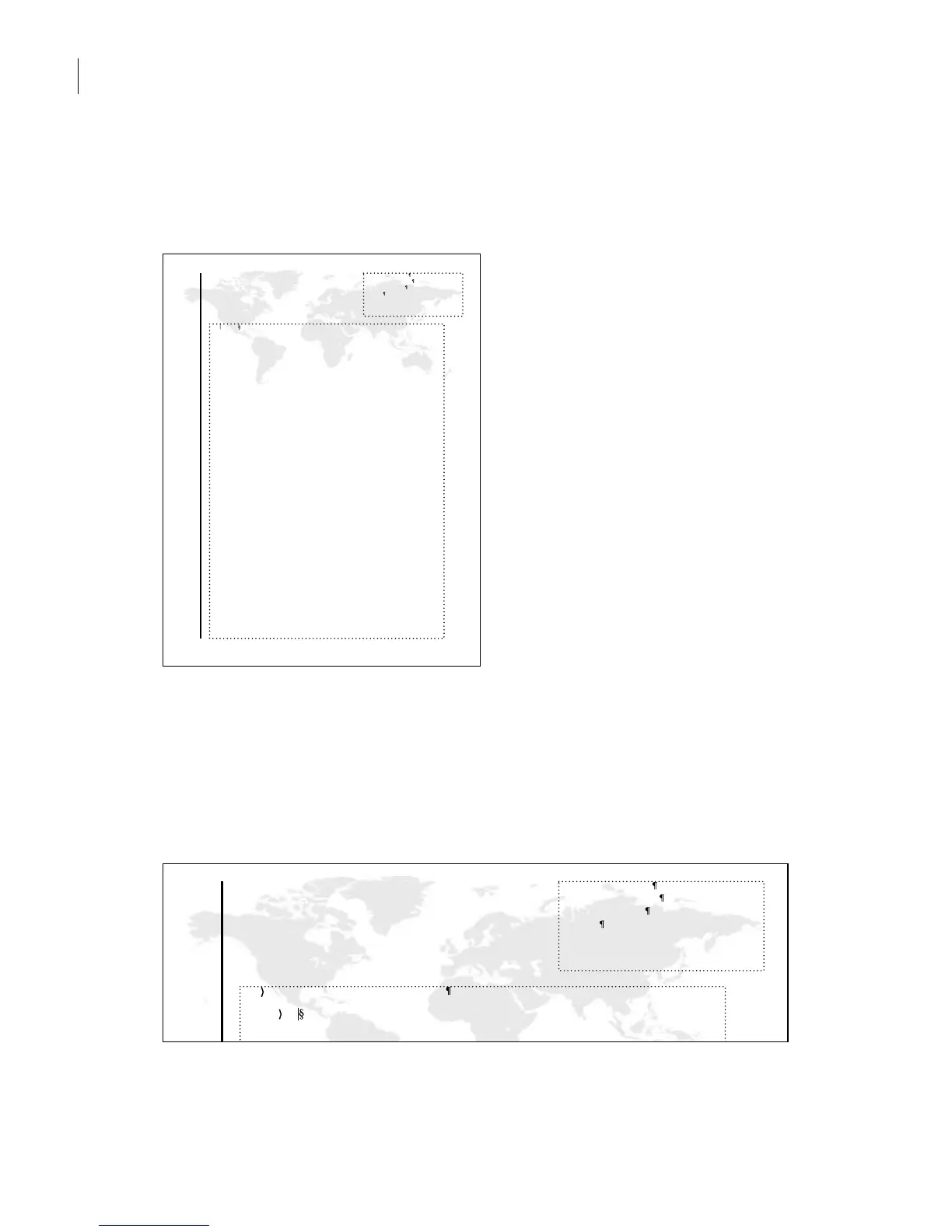
6 To redisplay the page, press Control+l (lowercase L). A FrameMaker 7.0 variable on the
master page causes your name to appear in large bold type along the left side of the page.
(You may need to scroll down the page to see your name along the side.)
7 Click to the right of the word To in the large text frame.
The word To—like the word Chapter and the chapter number in the sample document
you looked at earlier—is inserted automatically as part of the paragraph’s format
(MemoTo).
8 Type Sales Department Staff and press Return/Enter.
Date: July 22, 2002
memo
Necia Doughty
To :
Necia Doughty
492 Holly Street
San Jose, CA
95126
Date: July 22, 2002
memo
To : Sales Department Staff
From:
Necia Doughty
492 Holly Street
San Jose, CA
95126



 To Next Page