LESSON 15
380
HTML and Web Publishing
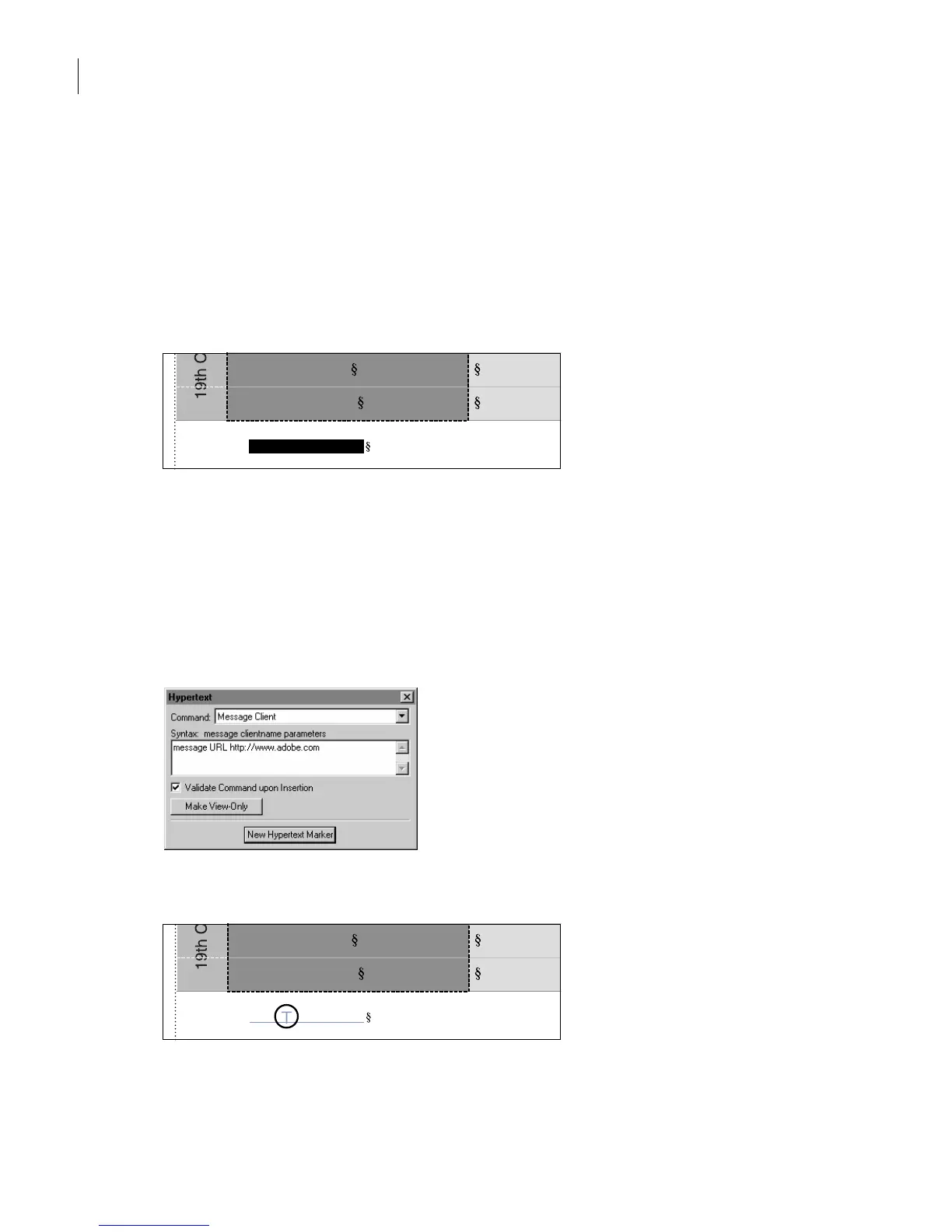
Adding a link to another Web site
A uniform resource locator (URL) defines the location of a Web page on the Internet.
Yo u’ll insert a special marker into the document that will become a link to a URL when
you save as HTML.
1
In the last paragraph of the document, below the table, select the text
Adobe Systems,
Inc
.
2
Press Control+8, press l (lowercase
L
), and then press Return to apply the Link
character format to the selected text. (Actually, any character format would work, but the
Link format has already been defined for you.) The text becomes underlined and purple.
3
Click between the words
Adobe
and
Systems,
and then choose Special > Hypertext.
4
Choose Message Client from the Command pop-up menu and enter
URL http://www.adobe.com
in the text box after
message
.
5
Click New Hypertext Marker, then close the Hypertext dialog box.
Prepared for Adobe Systems, Inc.
Thomas Edison
Michael Faraday
Adobe Systems, Inc.
Thomas Edison
Michael Faraday
Prepared for



 To Next Page