385
ADOBE FRAMEMAKER 7.0
Classroom in a Book
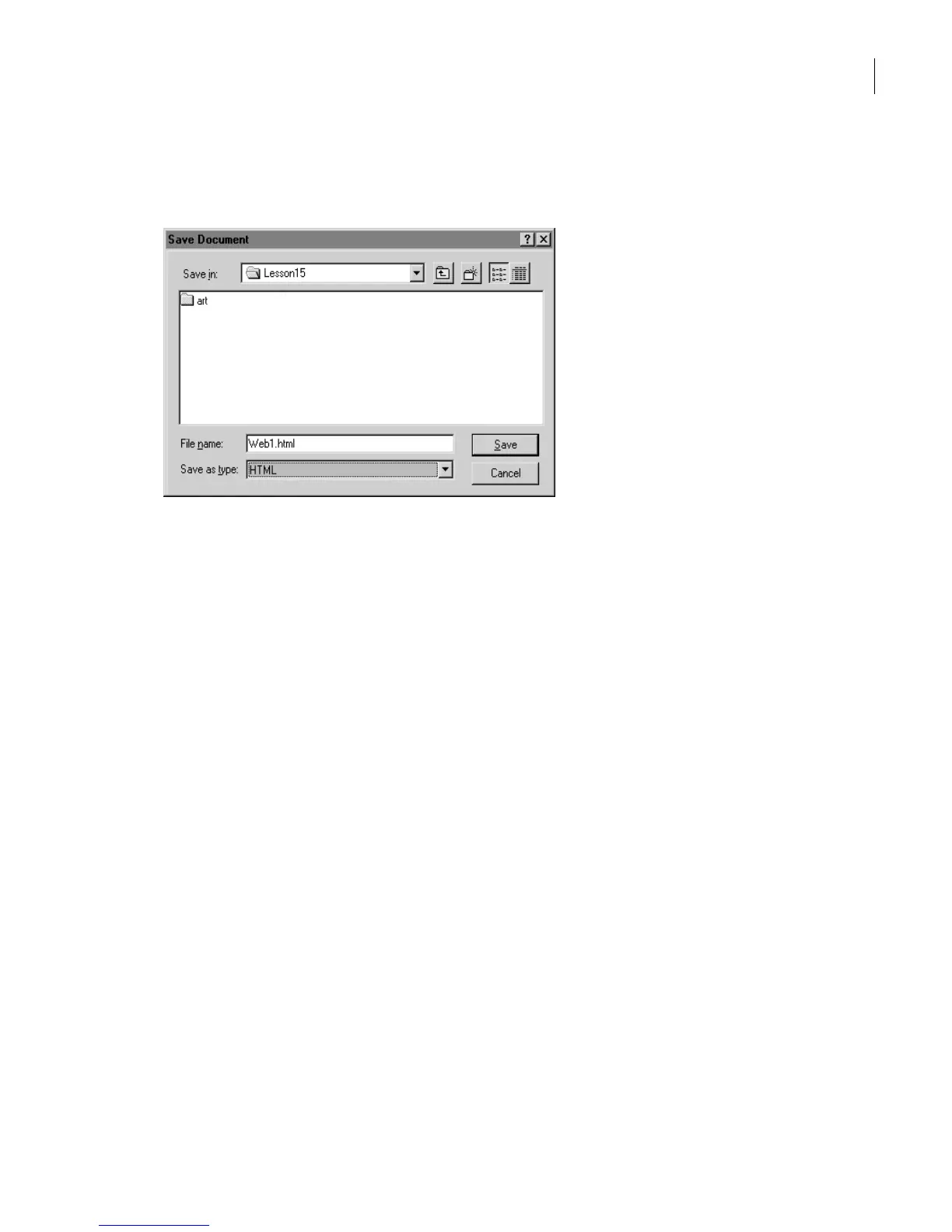
2 Enter the filename Web1.html—make sure to include the file extension .html—and
choose HTML from the Save as type pop-up menu.
3 Click Save, then click OK (Replace on the Mac OS) to overwrite the existing Web1.html
file.
4 Minimize or hide the FrameMaker 7.0 window.
5 In your operating system, open the Lesson15 folder. You’ll see the following files that
FrameMaker 7.0 has created:
• The main HTML document, Web1.html.
• The subdocuments that are linked to the main HTML document, Web1-1.html,
Web1-2.html, Web1-3.html, and Web1-4.html.
• The HTML stylesheet, Web1.css.
• The converted graphics files, Web-1.jpg, Web1-2.jpg, and Web1-3.jpg.



 To Next Page