441
ADOBE FRAMEMAKER 7.0
Classroom in a Book
8
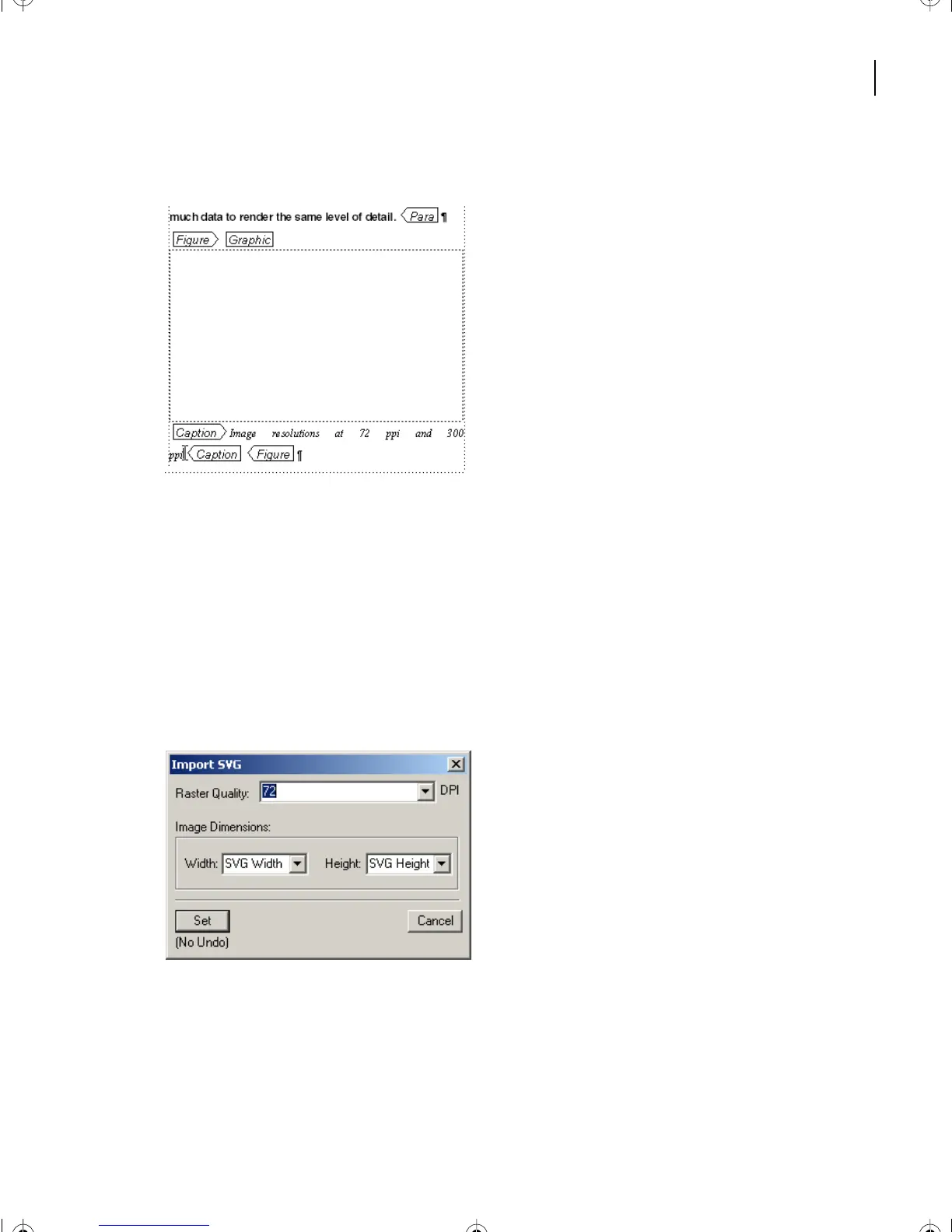
Between the [Caption] tags, type
Image resolutions at 72 ppi and 300 ppi
.
9
Select the blank anchored frame above the caption.
10
Choose > File > Import > File.
11
Go to the Art folder within the Lesson17 folder.
12
Select Import by Reference.
13
In the Art folder, locate and select Resolution.svg, and click Import.
14
In the Unknown File Type box, be sure SVG is selected, and click Convert. The Import
SVG box appears.
15
Click Set.
16
Resolution.svg is imported into the anchored frame.
L17.fm Page 441 Saturday, July 6, 2002 4:37 PM



 To Next Page