467
ADOBE FRAMEMAKER 7.0
Classroom in a Book
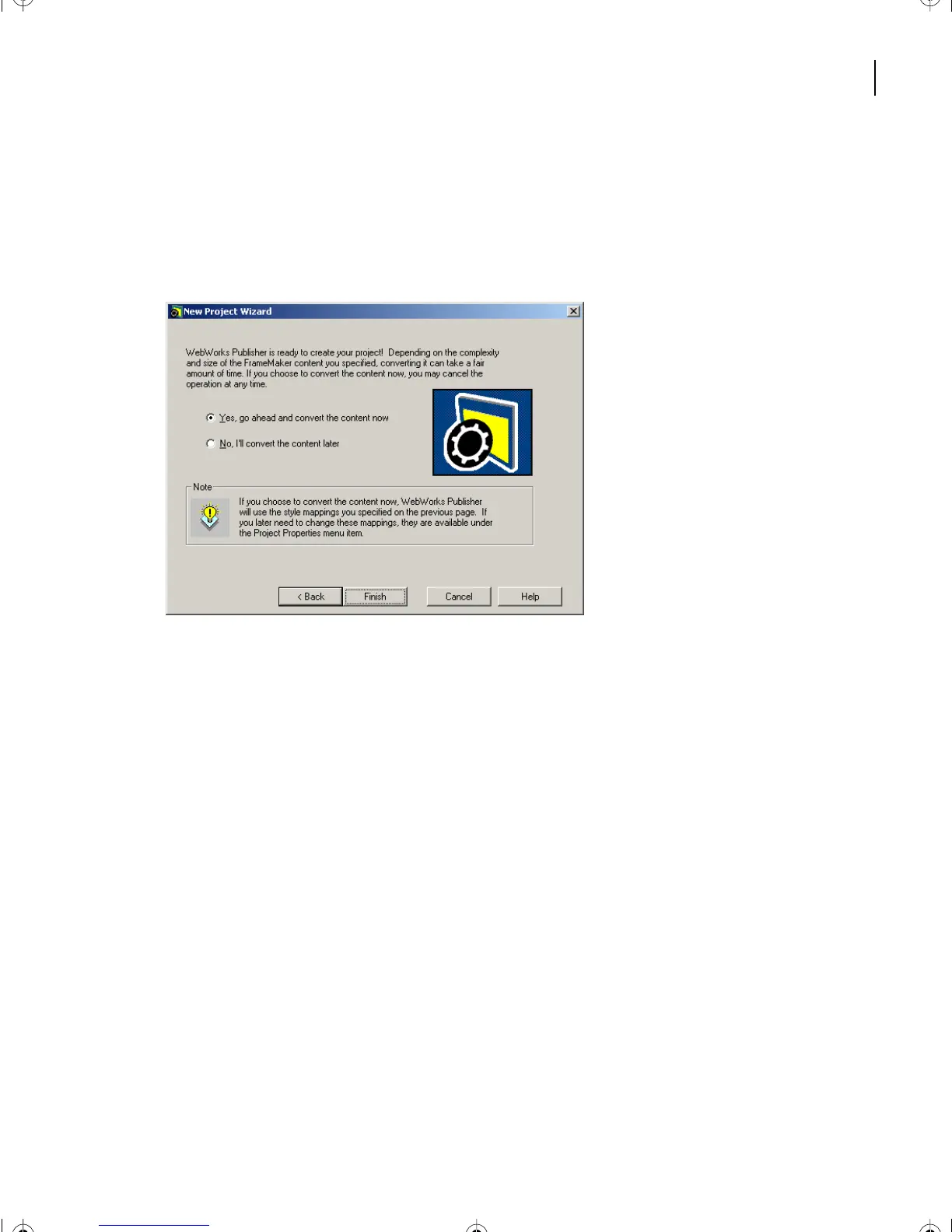
8 Click Next.
You now have the option of converting immediately or postponing conversion and
experimenting with mappings.
9 Select > Yes, go ahead and convert the content.
10 Click Finish.
Your new ColorPrint project is displayed along with the support files that WebWorks
generates.
11 Save the project. Select File > Save.
L18.fm Page 467 Sunday, July 7, 2002 11:40 PM



 To Next Page