61
ADOBE FRAMEMAKER 7.0
Classroom in a Book
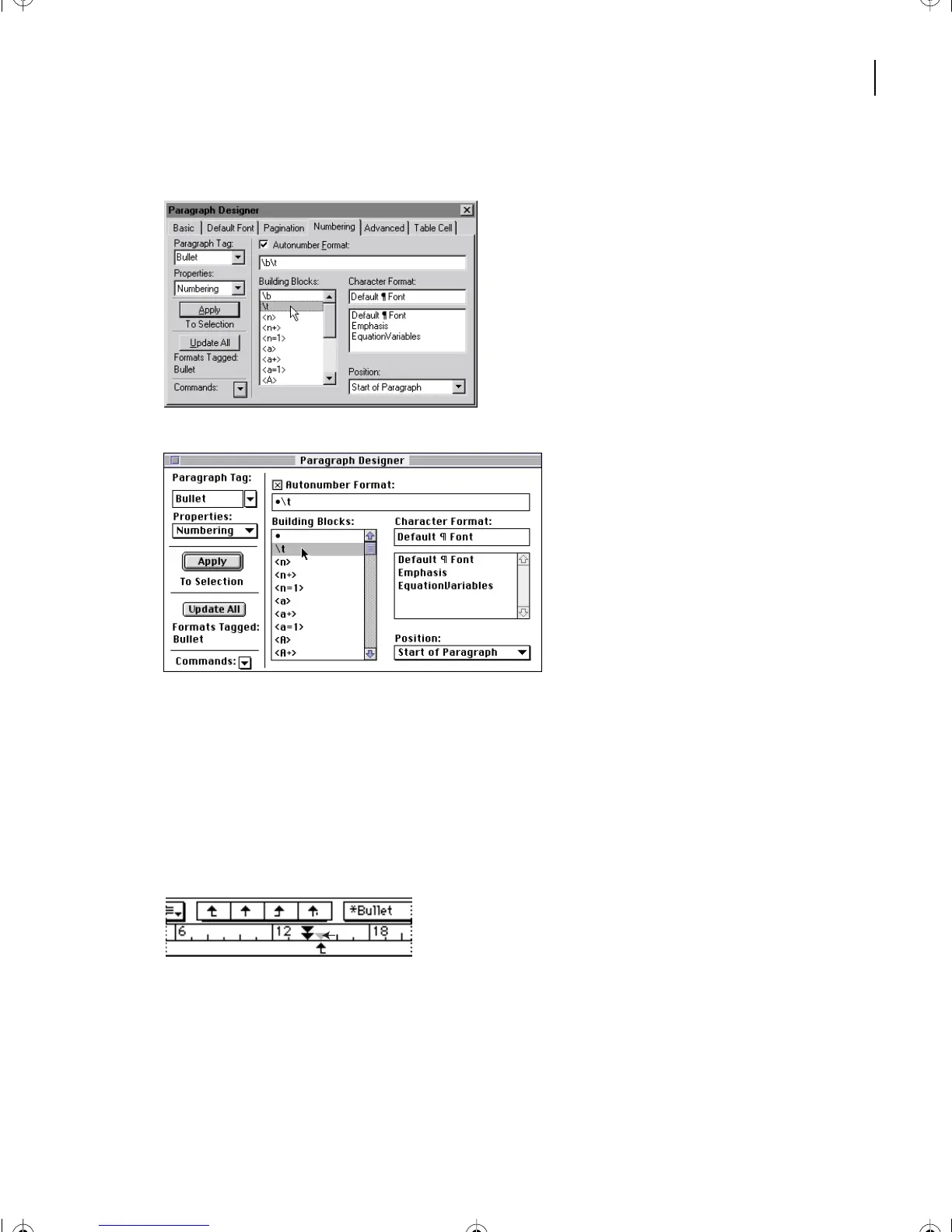
9 Select \t in the Building Blocks scroll list to insert a tab, and then click Update All.
Windows
Mac OS
10 Click anywhere on the page to deselect the paragraphs.
Next you’ll change the left indent of the bulleted paragraphs.
11 Click in the first bulleted paragraph.
12 In the ruler, drag the left indent symbol as far to the left as it will go
(to the left margin).
L02.fm Page 61 Saturday, July 6, 2002 11:23 AM



 To Next Page