11
USING ADOBE MEDIA SERVER ON AMAZON WEB SERVICES
Getting started
Last updated 9/20/2013
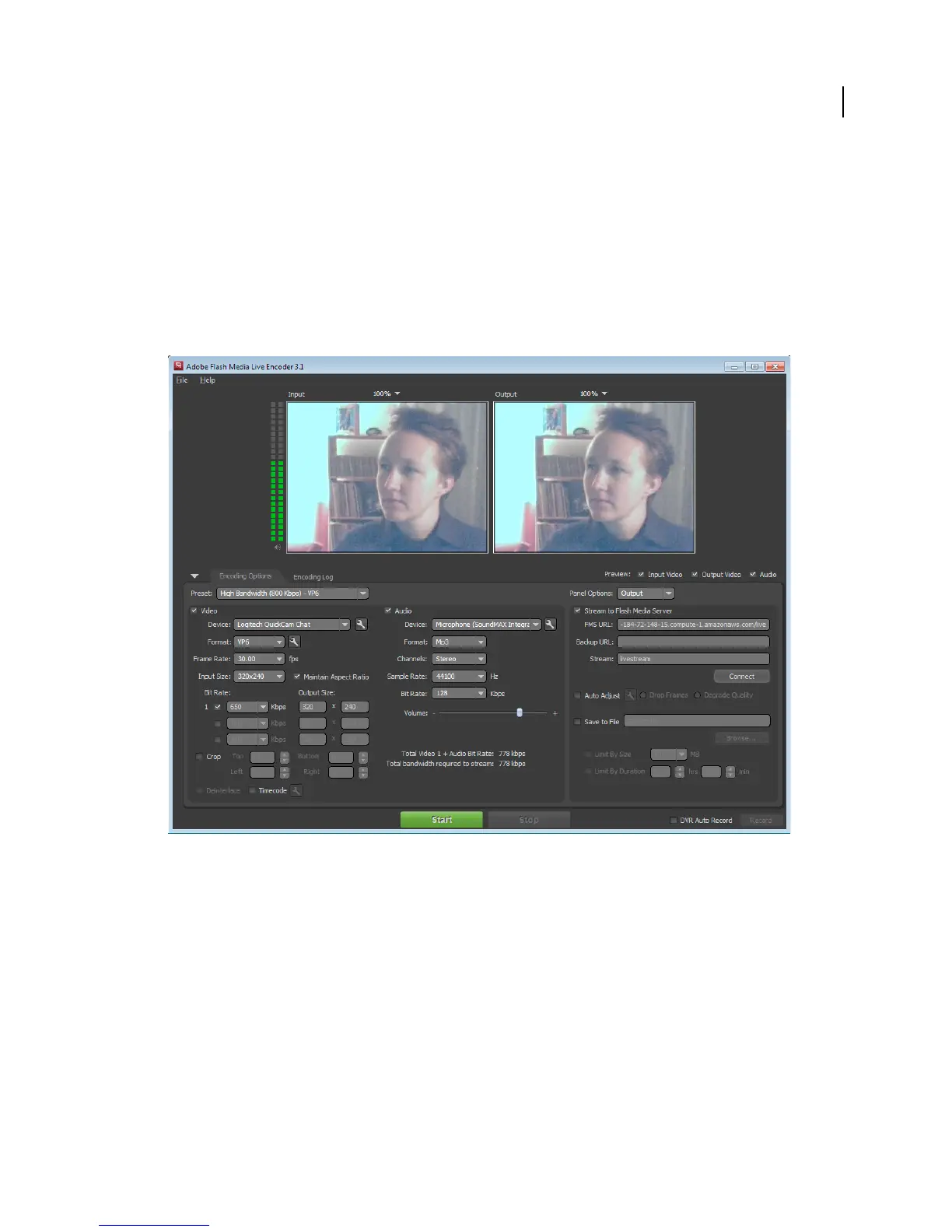
3 Open Flash Media Live Encoder and enter the following:
• For AMS URL, enter:
rtmp://public-dns/live
Substitute the Public DNS value you copied from the AWS Management Console.
• For Stream, enter:
livestream
• Click Start to publish a stream to the live application on the instance.
Flash Media Live Encoder.
4 Go to the Flash Media Playback Setup page at http://www.osmf.org/configurator/fmp/ and do the following:
a For Video Source, enter:
rtmp://public-dns/live/livestream
For example, if the Public DNS of the instance is ec2-184-72-148-15.compute-1.amazonaws.com, the Video
Source is:
rtmp://ec2-184-72-148-15.compute-1.amazonaws.com/live/livestream
b Click Preview to update the Embed Code.
c Click the Play button to play the video from your Adobe Media Server on Amazon Web Services instance.
You can select other options in the Flash Media Playback Setup page. After you change an option, click Preview to
update the embed code.



 To Next Page