23
USING ADOBE MEDIA SERVER ON AMAZON WEB SERVICES
Using Adobe Media Server on Amazon Web Services
Last updated 9/20/2013
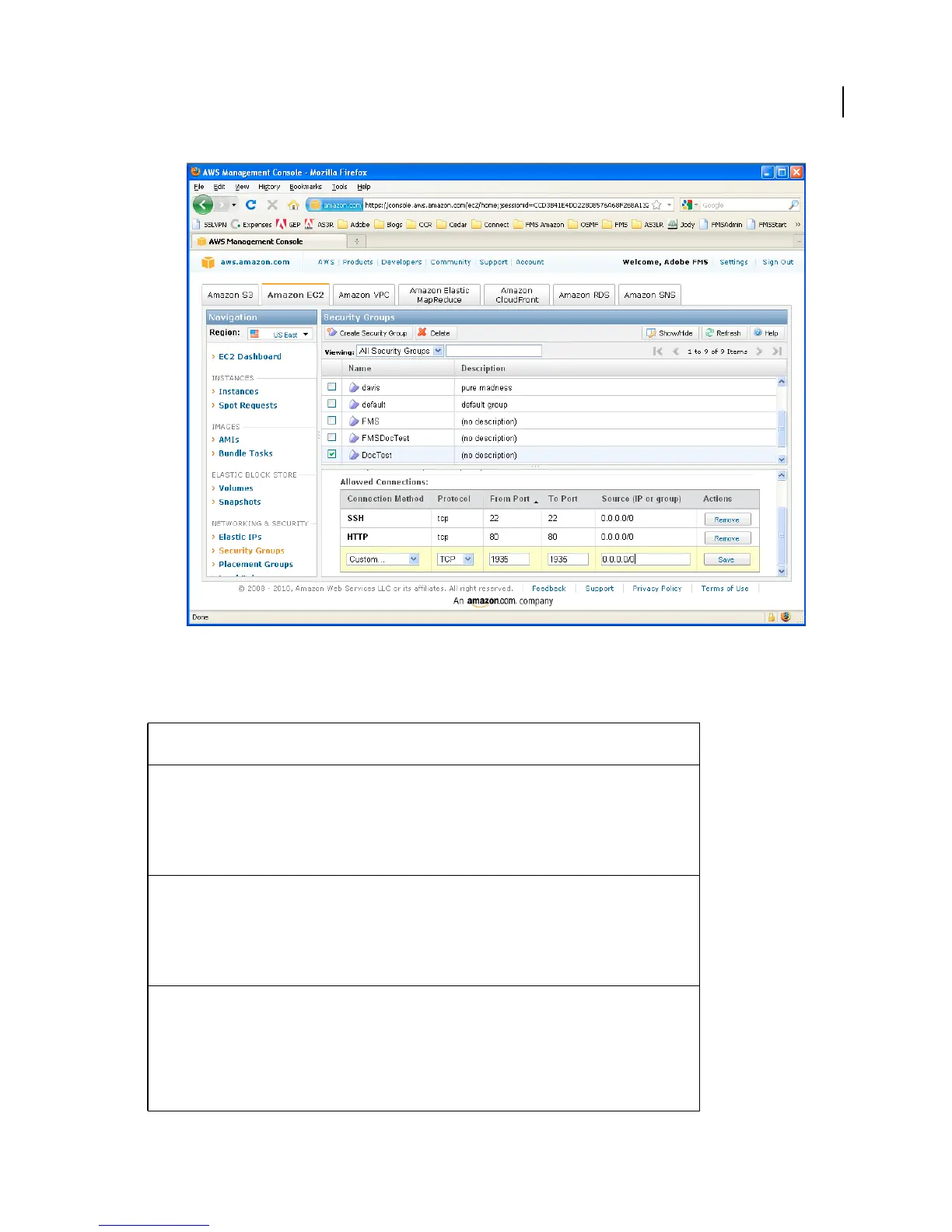
Add rules to the Security Group
By default, Adobe Media Server is configured to use the following ports and protocols to stream media. Define the
following ports in a Security Group:
Connection
method
Protocol Port Description
HTTP TCP 80 By default, Flash Player and AIR clients that cannot
connect to Adobe Media Server over port 1935
attempt to tunnel over port 80 (RTMPT).
If Apache is installed and enabled, HTTP requests
made over port 80 are proxied to Apache over port
8134.
All TCP 1935 By default, Flash Player and AIR clients make RTMP
connections to Adobe Media Server over port
1935/TCP.
To communicate with Adobe Media Server over the
RTMP protocol, clients attempt to connect to ports
in the following order: 1935, 80 (RTMP), 80 (RTMPT).
All UDP 1935 The RTMFP protocol communicates over UDP.
Clients connect to the server over 1935 and the
server redirects the client to a port between 19350
and 65535.
To change the default RTMFP port range, edit the
Adaptor/RTMFP/Core/HostPortList/HostP
ort
element in the Adaptor.xml configuration file.



 To Next Page