EN
EN
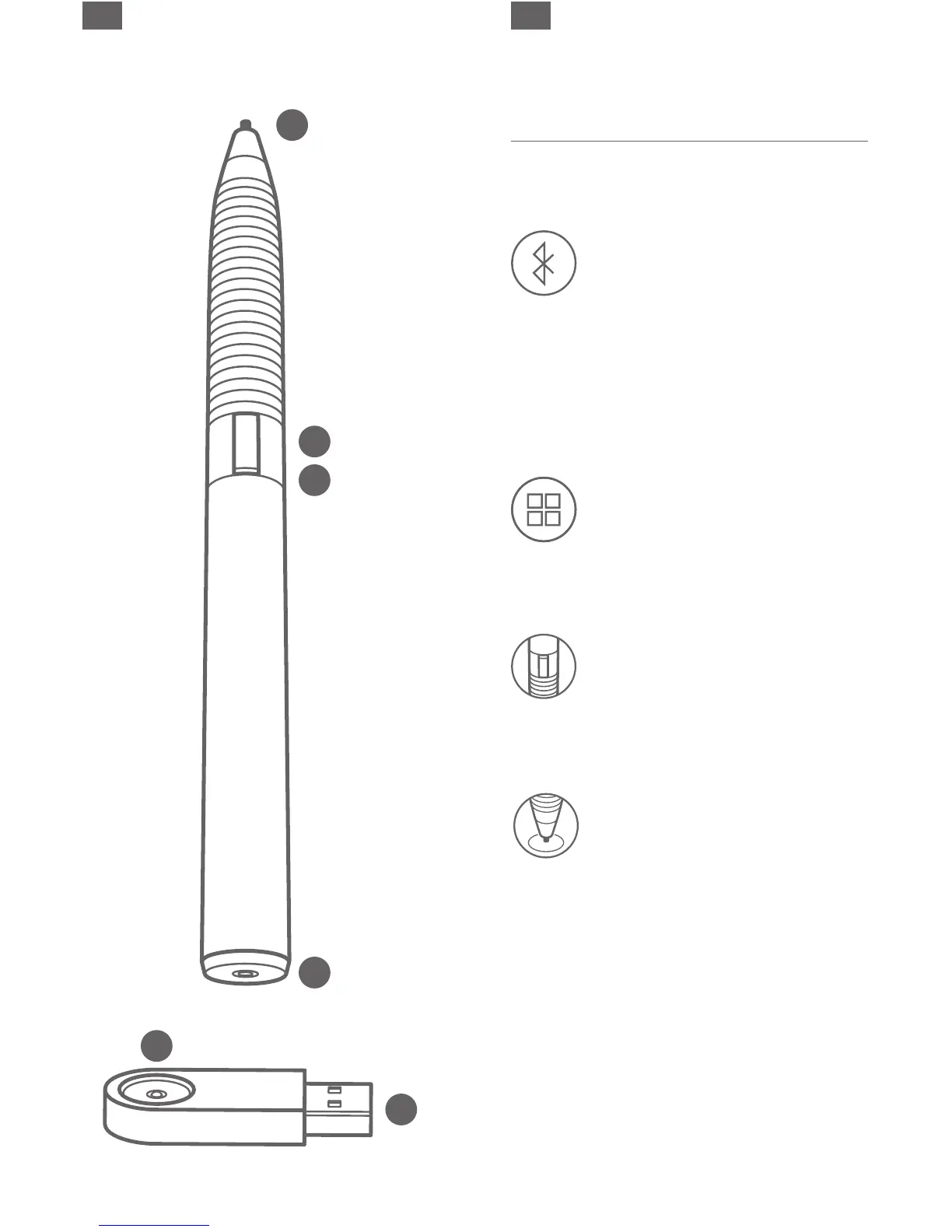
A
B
C
D
F
E
2 3
E
Quick Start Guide
To use all features, your Jot Script must be
connected to a compatible app. Here’s how:
1. Activate Bluetooth.
Open your iPad > Settings > and turn
Bluetooth ON.
Your Jot Script will not appear in the
My Devices list.
Open your iPad > Settings > General and turn
Multitasking Gestures OFF.
2. Launch compatible app.
For a list of Jot Script compatible apps visit
adonit.net/apps
3. Turn your Jot Script Stylus ON.
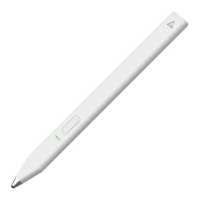
Hold down the button on the barrel of your
Jot Script until the light flashes blue.
4. Connect the Jot Script with your App.
Open the settings in your app.
Locate the stylus pairing option and follow
instructions to connect the stylus to your app.
For more info on connecting to specific apps
go to adonit.net/apps


 To Next Page