7
JP
Adonit Pixelの全ての機能を使用するには、ま
ずBluetoothとアプリの順でペンの接続設定を
行います。
1. Bluetoothを起動する
iPadを開く > 設定 > Bluetoothをオンにしま
す。
ここではまだデバイスリストにAdonit Pixelスタ
イラスペンは表示されません。
iPadを開く > 設定 > 一般を選び、マルチタスク
用ジェスチャをオフにします。
2. 対応アプリを起動する
Adonit Pixel 対応アプリについては 、
adonit.net/apps をご覧ください 。
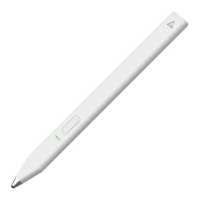
3. Adonit Pixelの電源を入れる
ライトがつくまで、ペン側面のボタンを押しま
す。
4. Adonit Pixelをアプリに接続する
アプリの設定を開きます。
ペアリングオプションからスタイラスペンのア
プリ接 続 方 法 に 従って 設 定しま す。
特定アプリの接続方法の詳細およびトラブルシ
ューティング については 、 adonit.net/appsを
ご覧ください。
クイックスタートガイド


 To Next Page