Troubleshooting Hosted 4500 Timeclocks
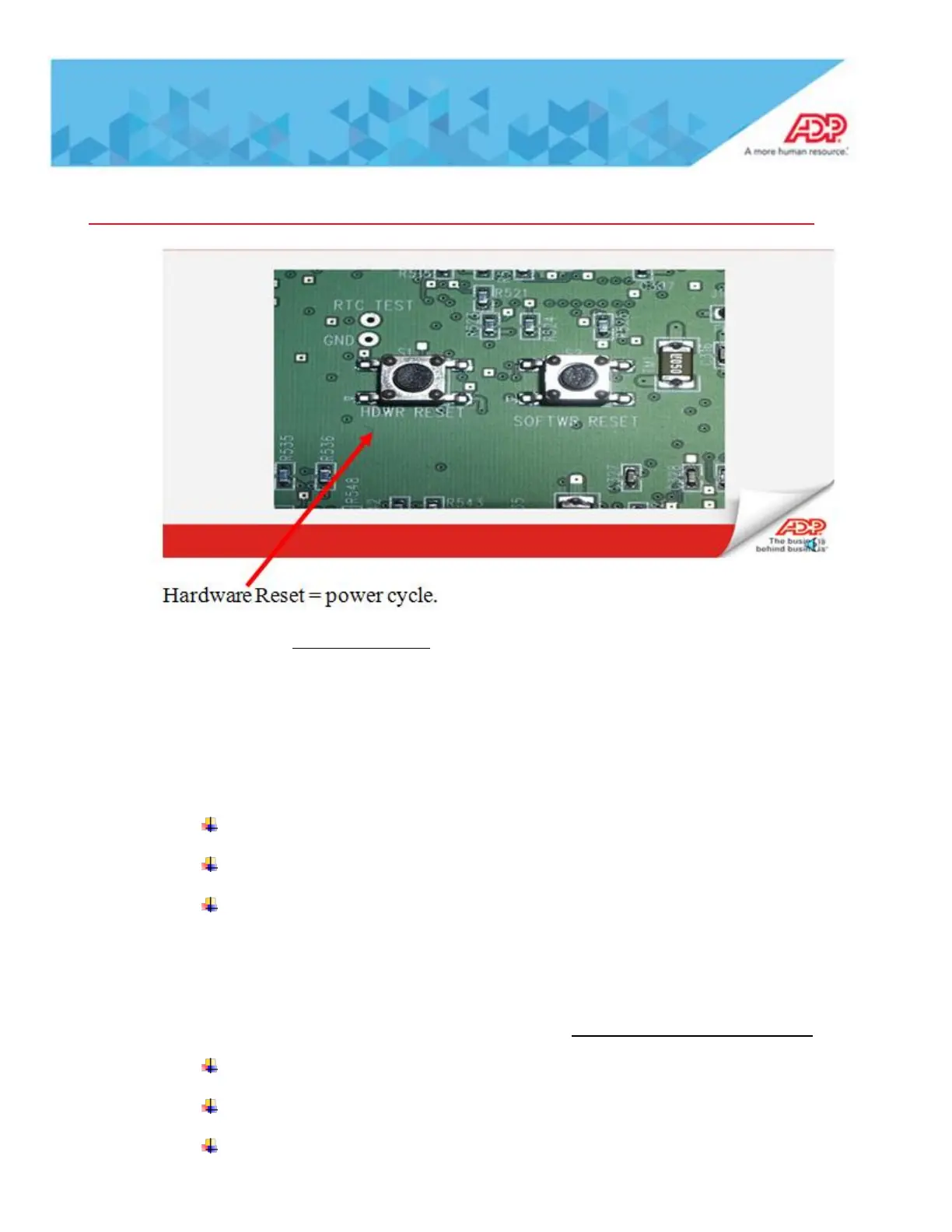
Note: If you do the SOFTWR RESET that is setting the clock back to factory defaults
(sometimes called a”cold boot” and will result in all data at the clock being lost.
Quickpunch Issues
Quickpunch Not Enabled
Verify Quickpunch is attached at the clock:
Swipe the “M” badge
Hit more “4” times
Select “Biometric Report”
“attached: true” indicates the clock has identified the Quickpunch device
“attached: false” indicates the clock does not recognize the Quickpunch device
Error 06-4 Invalid Function for this employee – This is a Data Validation Error
Verify Employees are assigned to Timeclock Group
Verify Timeclock is assigned to a Timeclock Group
At the Timeclock, run a ‘Non-Enrolled Emps’ report within Maintenance Mode.



 To Next Page