Troubleshooting Hosted 4500 Timeclocks
How to schedule a manual update/activity to a clock
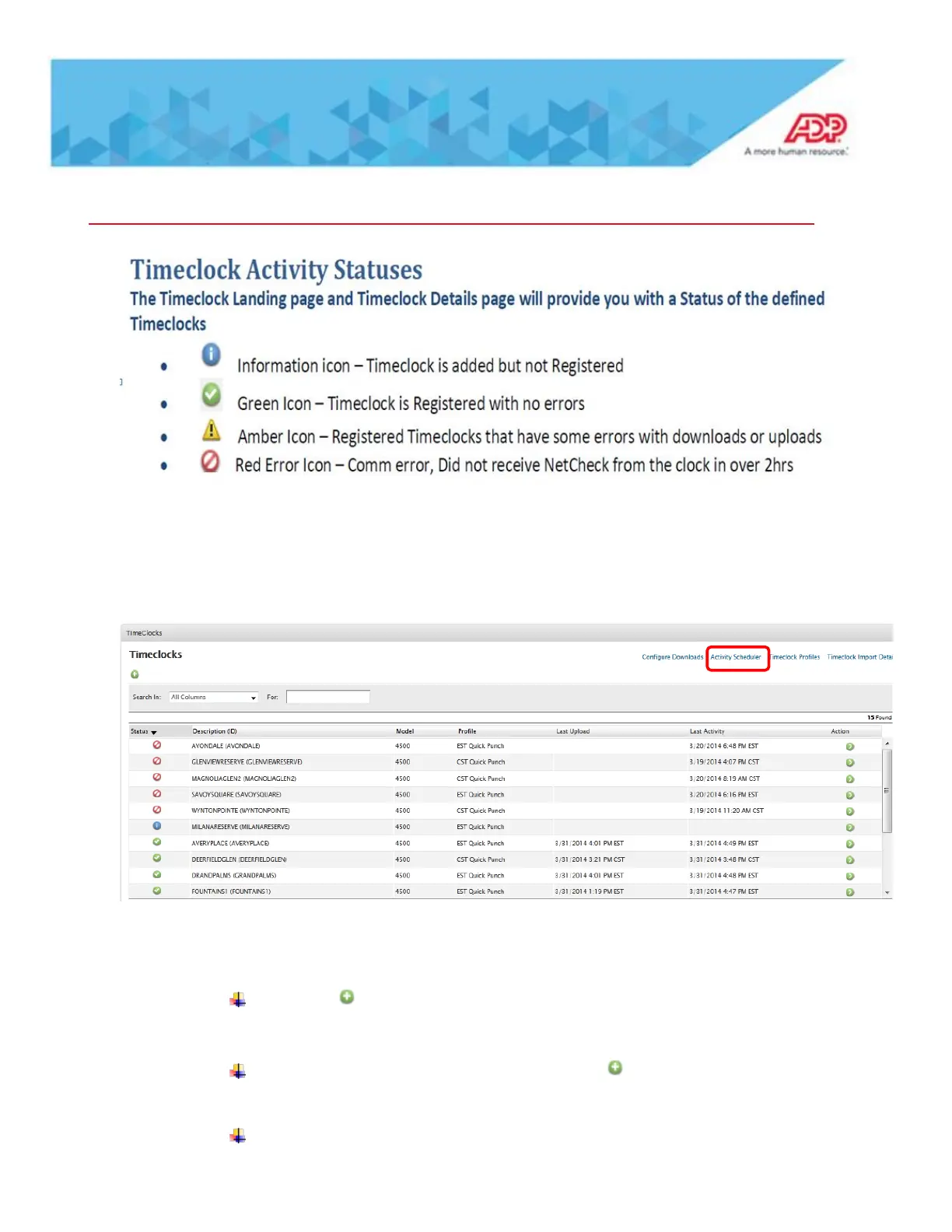
To do an manual activity to a clock go to Setup – TA – Timeclock Configuration – click on
Activity Scheduler upper right corner
Initialize Timeclock – Timeclock configuration is downloaded with employee
information
Click on and key in and ID and description and command is Initialize
timeclock
The click on selected timeclocks and use the to pick the appropriate
timeclock
Then click on Submit on the bottom of page.



 To Next Page