1514
Software Application Installation
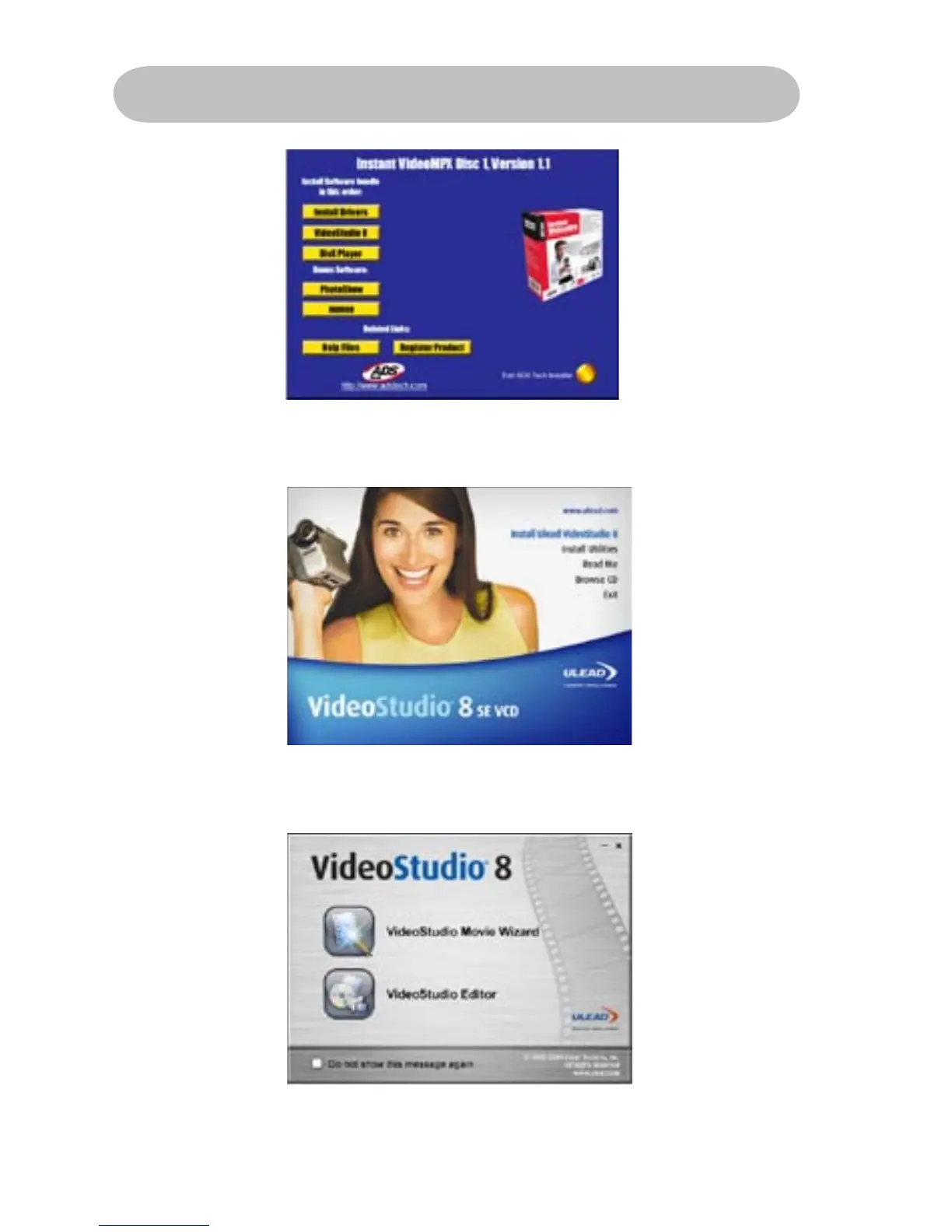
To start the installation of VideoStudio 8, click on the
“VideoStudio 8” button.
Getting Started with Video Studio 8 SE VCD:
1) Click on “VideoStudio Editor” to capture, edit, and burn your
home movies.
To install VideoStudio 8, click on the “Install Ulead VideoStudio 8” button.



 To Next Page