1918
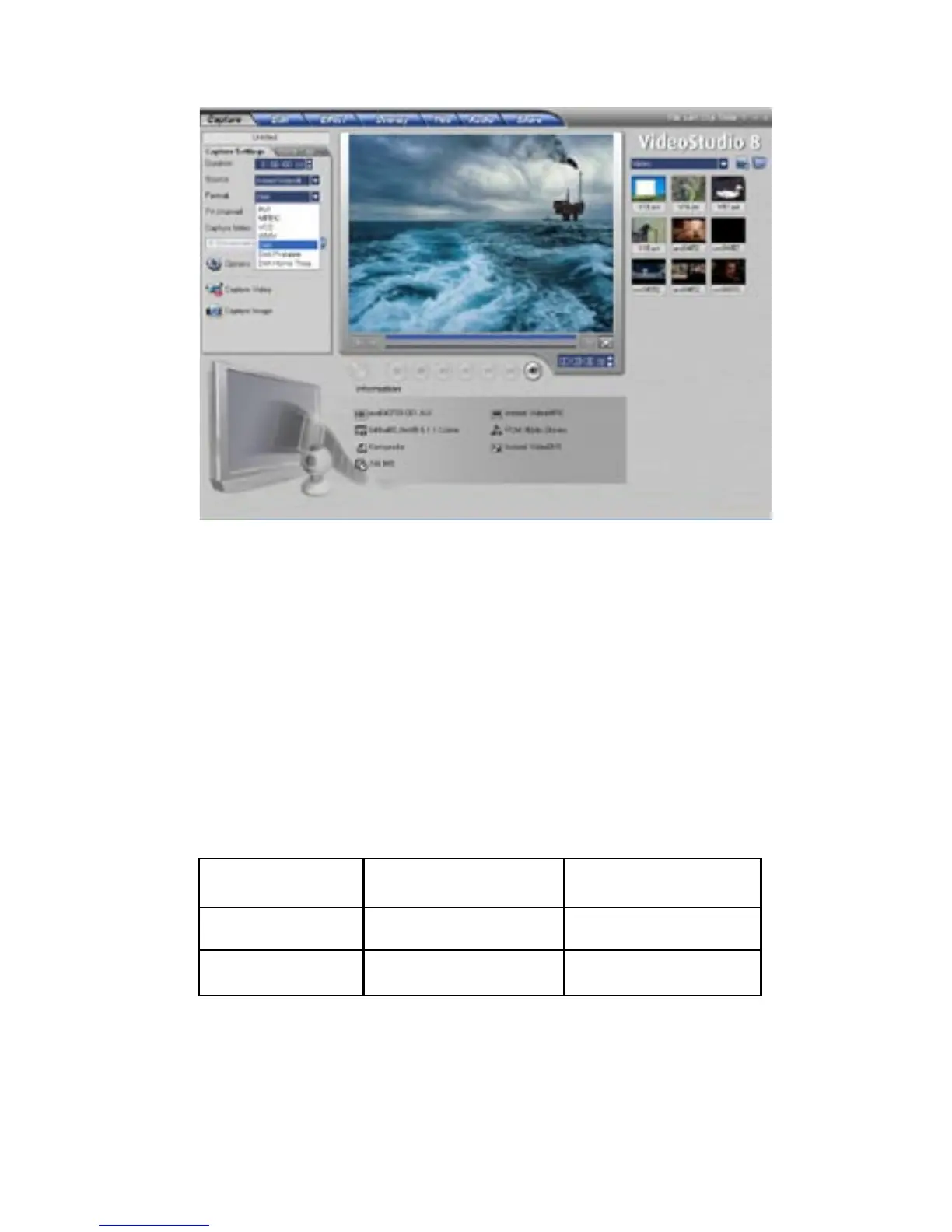
1) On the “Format” pull down menu make sure that you select “DivX”.
Capturing in DivX Format:
Planning your DivX Video Project:
You can change the video resolution and video bit rate settings
to adjust for quality and also the file size of your video capture
project. You may have the goal of fitting up to 2 hours of
DivX video on CD-R disc. Here are some guidelines showing
resolutions, video settings and approximate file sizes:
Resolution Video Bit Rate File Size
640 x 480 500 kb/sec. @ 300 MB/Hr.
352 x 240 100 kb/sec. @ 110 MB/Hr.



 To Next Page