22 23
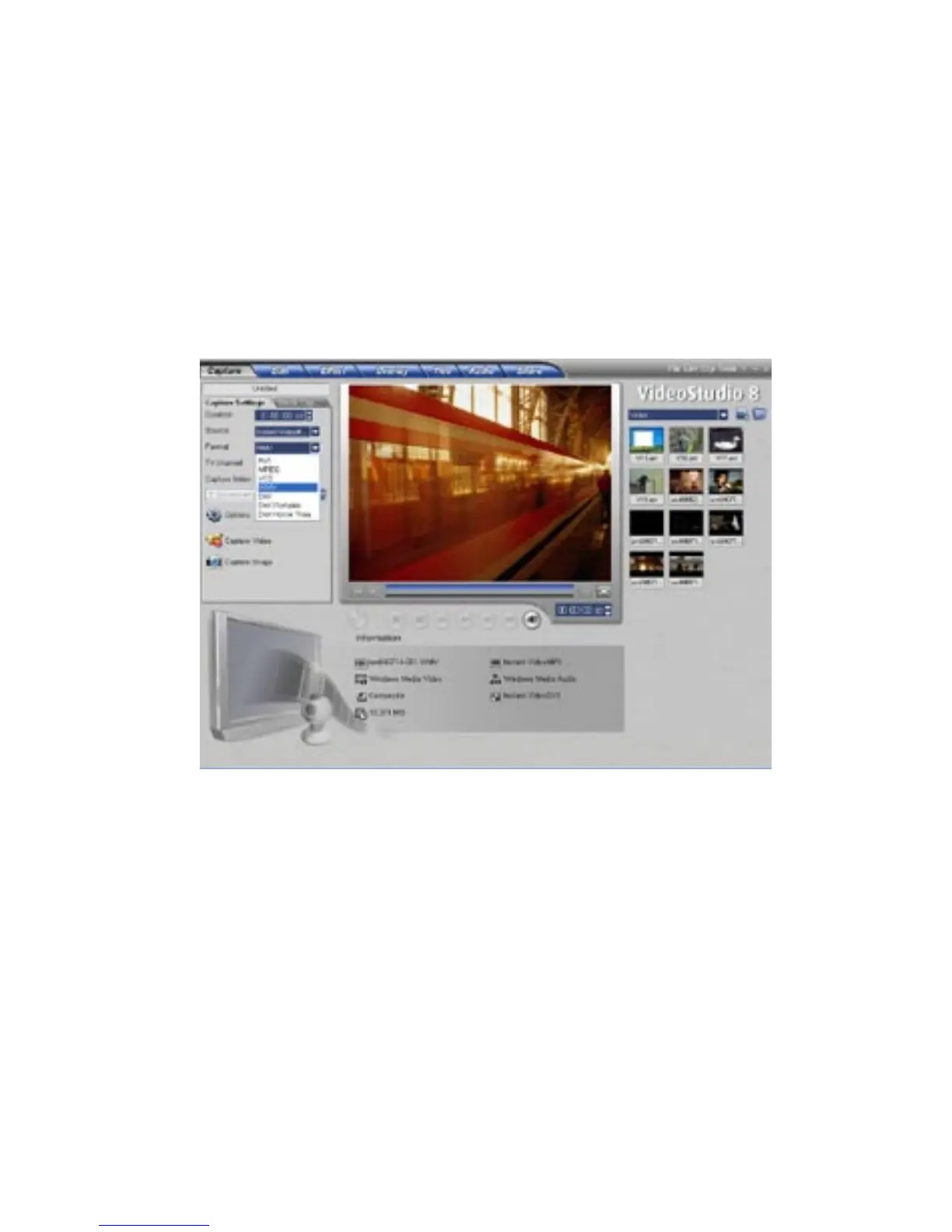
Capturing in Windows Media Video (WMV) Format:
1) Click on the “Format” pull down menu and select “WMV”.
Windows Media video is a format that is generally created to send video
broadcasts over the Internet. The compression quality is very good so
you can capture video at a low bit rate (small file size) yet still have good
quality.
You may want to capture video in the Windows Media Video format for
sending video over the internet or simply to archive to CD-R for your
personal video archive for playback on a PC.



 To Next Page