Need help?
Do you have a question about the ADT Pulse OC835-ADT and is the answer not in the manual?
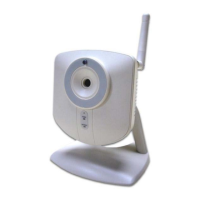
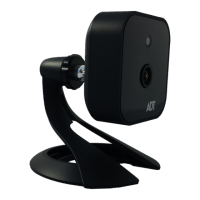
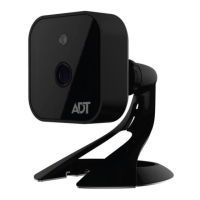
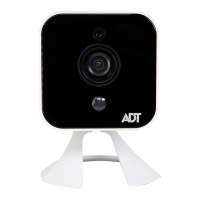
Provides an overview of the OC835-ADT wireless HD camera and its features.
Details the camera's key features like Standalone Design, Dual Video Support, Day/Night Switch, IR LED, PIR Sensor, and Built-in Heater.
Describes the camera's wireless capabilities including 802.11n standard and WPS support.
Identifies and describes the Light Sensor, Lens, and PIR Sensor on the front of the camera.
Details the DC Power Input, Power LED, Network/Wireless LED, Network Port, and WPS/Reset Button on the rear.
Explains the functions of the WPS/Reset button and how to use the network port for connection.
Lists all the items included in the camera package for installation.
Guides through assembling the camera and making initial network connections.
Details the process of powering up the camera and checking the Power and Network/WPS LEDs.
Refers to ADT Pulse enrollment and mounting the camera in its final location.
Steps to enroll the camera using a wired connection via the Pulse portal or installer app.
Details locating and entering the camera's MAC ID during wired enrollment.
Instructions for naming the camera and saving its configuration after enrollment.
Steps to confirm the camera has been added and to disconnect it from the gateway.
Steps to enroll the camera wirelessly using WPS.
Details entering the WPS PIN and initiating the wireless connection process.
Final steps for wireless enrollment, including naming and disconnecting the camera.
Provides measures to re-establish Wi-Fi connection if the camera goes offline.
Instructions for mounting the camera stand to the wall, including drilling and anchoring.
Details attaching the camera to the stand and securing the power cable for weatherproofing.
Instructions for routing the power cable and connecting it to the power adapter and outlet.
Offers tips for optimal camera placement to improve video quality, especially at night.
Lists detailed technical specifications of the camera, including dimensions, resolution, and operating conditions.
Provides FCC compliance information, including statements on interference and radiation exposure.

 To Next Page
 General