Chapter 3 - Using the Web Application
Introduction
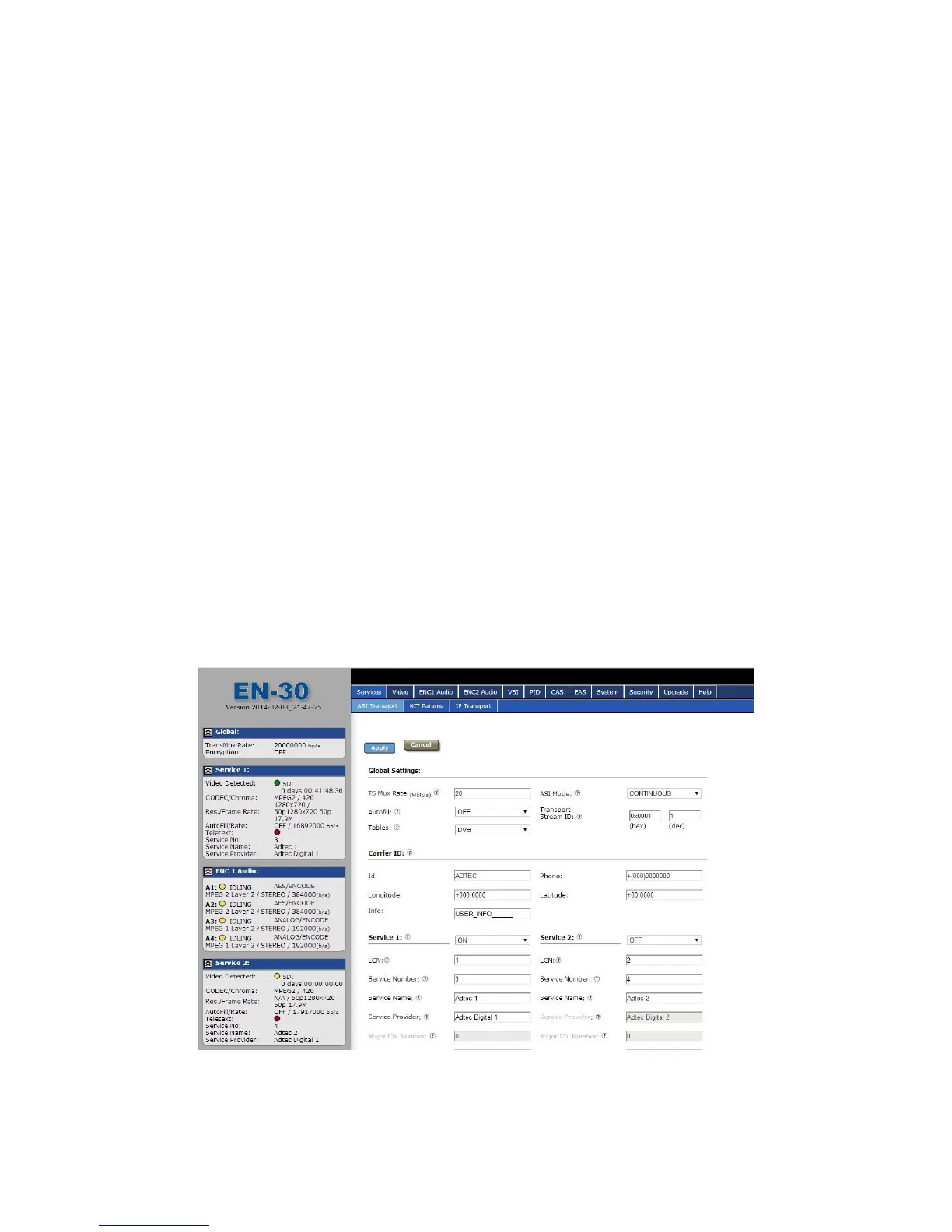
Adtec Digital has deployed a web-based configuration and control software application for
our products. The program is optimized to work with the following browser versions:
● Firefox: 3.5 (recommended)
● MS Internet Explorer: 8.0 and higher
● Safari: 3.0 and higher
● Google Chrome: 5.0 and higher
Note for Safari users:
● The program is designed to use the Bonjour Zero Configuration Protocol.
○ When using Safari, click on the " ^^ " symbol to open a networked devices
list.
○ Select the device to point the browser to that device's IPA.
Logging In
Access the application by pointing your web browser to the unit's IP address. Log in to the
application by clicking the "Proceed to Login" button and typing in the user name 'adtec' and
the password 'none' in the pop-up box that appears.



 To Next Page