Chapter 2 - Getting Started
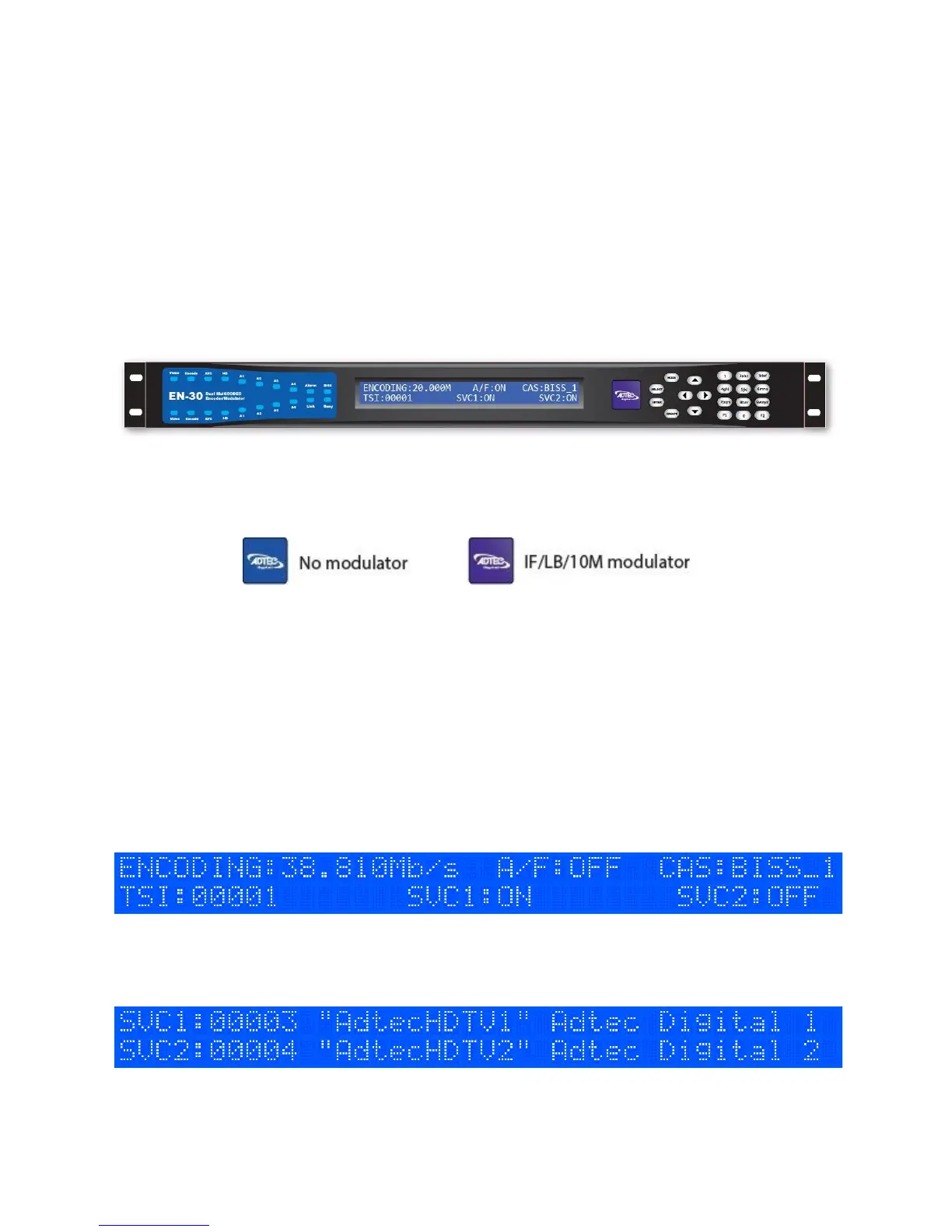
Front Panel
The Function Buttons and Directional Keypad of the EN-30 are used to configure and
monitor the signal input and output of the device.
Panel Diagram
Model Indicator Decals
Front Panel LCD Quick Views
There are 9* Quick Views that can be accessed by the front panel LCD by pressing
the up and down arrows.
1) Encoding State: When in normal encoding mode, the LCD will display the following
information. Since there can be up to 2 encoders in the product, you can view the status of
both services. *When only one encoder module is present the second module statistics will
not be displayed*
2) Services State: This quick view displays the Service ID number, short name, and long
name for both encoder modules.



 To Next Page