3
Additional Accessories not included in kit:
Model No.* Description
CI-6203 CPI-3 Lanyard
CI-6408-
003
USB Cable – 3m
AB-653X* Programming Cable Lock
*The X denotes model number varients
Quick Start Guide
1. Start SoundWave software (version 2.2 or later) on
your computer
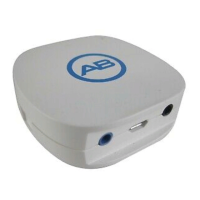
2. Connect the CPI-3 to a USB port on your PC using
the supplied USB cable
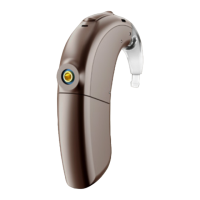
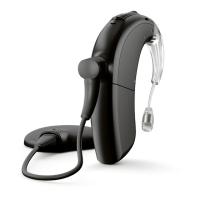
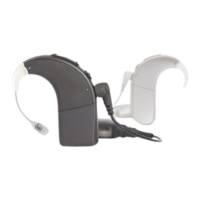
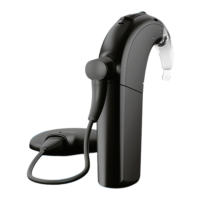
3. Connect the sound processor(s) to the CPI-3, using
the programming cable(s) appropriate to the sound
processor(s)
4. Choose placement of CPI-3 for programming session:
on the table, clipped onto the patient’s clothing or
worn on a lanyard around the patient’s neck


 To Next Page