MAZDA 2014- 3
2014 Advanced Diagnostics USA Manual for MVP & TCODE PRO – Copyright 2014 Advanced Diagnostics USA INC.
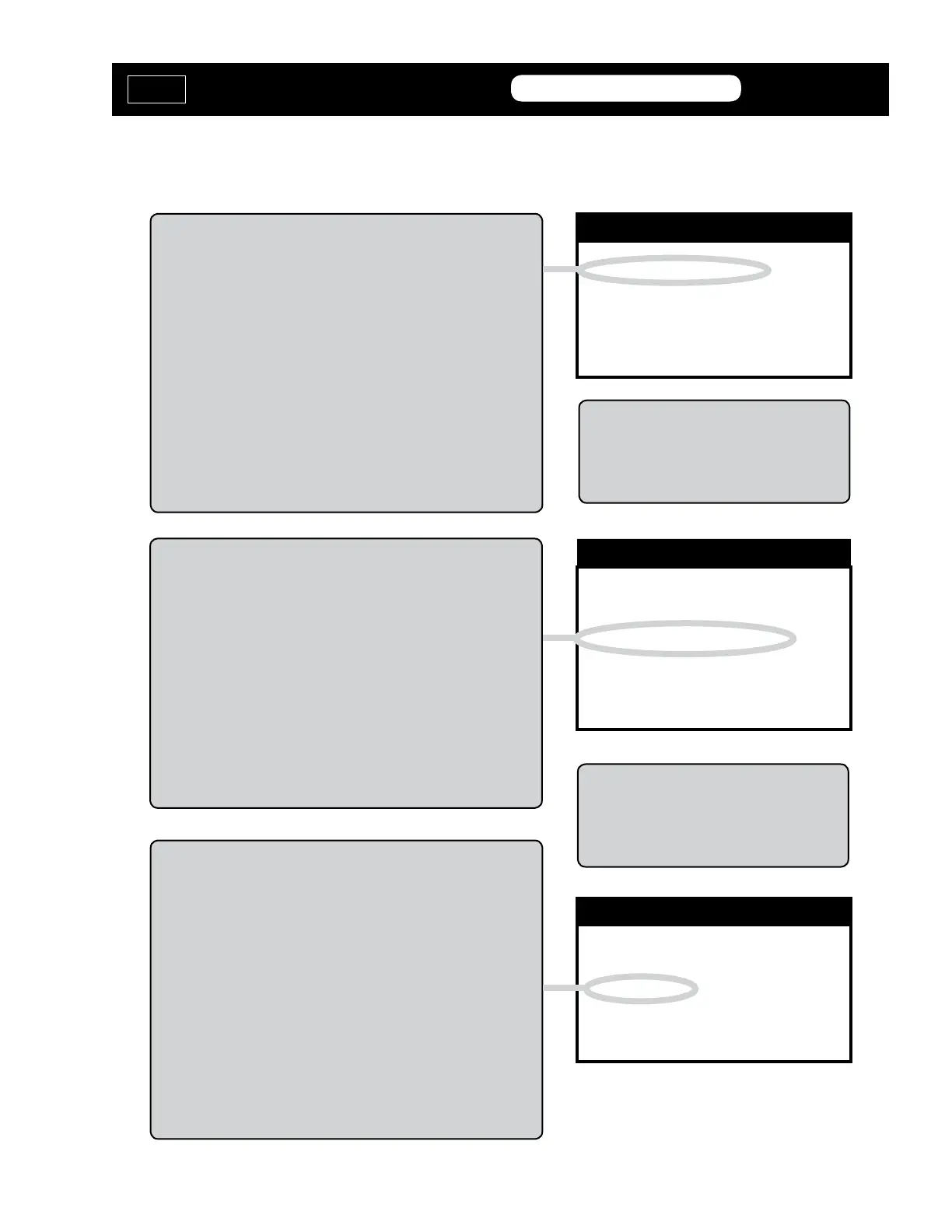
FORCE IGNITION ON
CLEAR PROGRAM PROX
ADD PROX
DIAGNOSTIC MENU
FORCE IGNITION ON
Use this function when you have NO WORKING prox
Available.
To use CLEAR OR ADD PROX the Ignition must rst be
placed in the ON position.
Use FORCE IGNITION ON to accomplish this FIRST before
doing anything else.
Once the Ignition is ON, leave it on and proceed to one of
the procedures below.
FORCE IGNITION ON
CLEAR PROGRAM PROX
ADD PROX
DIAGNOSTIC MENU
CLEAR PROGRAM PROX
Use this function to CLEAR all existing prox remotes from the
system and to PROGRAM TWO new ones.
You will need to have TWO prox remotes ready in order
to complete this procedure.
The Ignition MUST be placed in the ON position to begin so
either use FORCE IGNITION ON.
If you have a working prox use it to place the ignition in the
ON position.
FORCE IGNITION ON
CLEAR PROGRAM PROX
ADD PROX
DIAGNOSTIC MENU
ADD PROX
Use this function when you want to ADD a prox into the sys-
tem without erasing any of the already programmed ones.
You will need to have ONE prox remote ready in order
to complete this procedure. However, the Prox will not
function completely until the engine is started with TWO
Prox remotes. Until the engine starts with TWO prox re-
motes the new prox will only start the engine when held
up to the Start/Stop button.
The Ignition MUST be placed in the ON position to begin so
either use FORCE IGNITION ON.
If you have a working prox use it to place the ignition in the
ON position.
SPECIAL FUNCTIONS MENU
MVP &
TCODE
ACURA / HONDA
ADVANCED DIAGNOSTICS USA
powered
by
It is normal for the theft light to blink
while the Ignition has been forced on.
REQUIRES A MAZDA INCODE!
An IN-CODE is required to use this
software.
Must be obtained from a friendly Mazda
dealer or thru N.A.S.T.F. while at the job!


 To Next Page
 Loading...