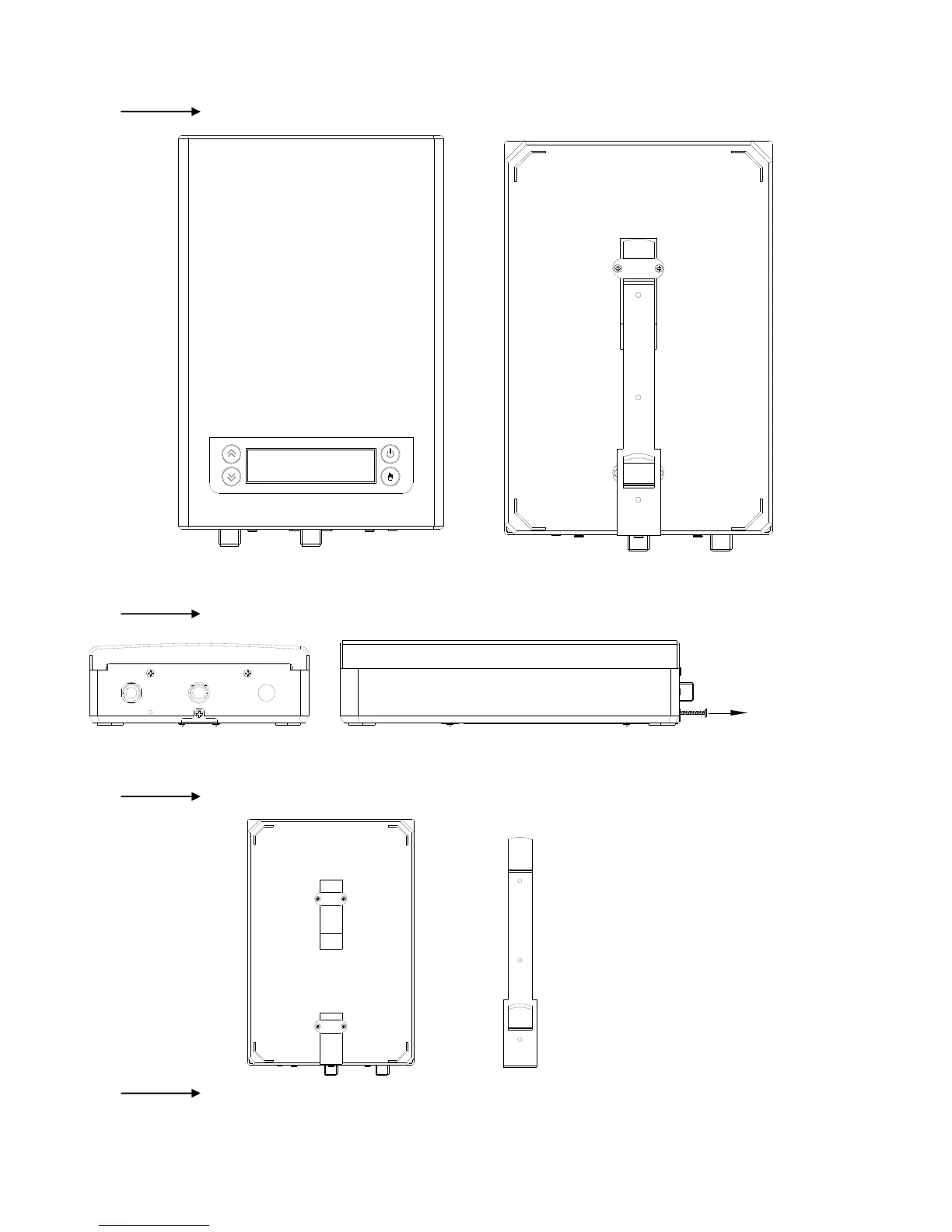
Fig 1 Front and back of the appliance
Fig 2 Remove screw which fixed the bracket on back of the appliance.
Fig 3 Remove the bracket from the appliance
Fig 4 Hold the back bracket hanger in position against the wall and mark the three mounting holes. Drill
three holes of 6.00mm diameter, the distance between every two holes is 100mm. (Put plastic anchor in the hole, fix



 To Next Page